 Leading HubSpot Technology Partner
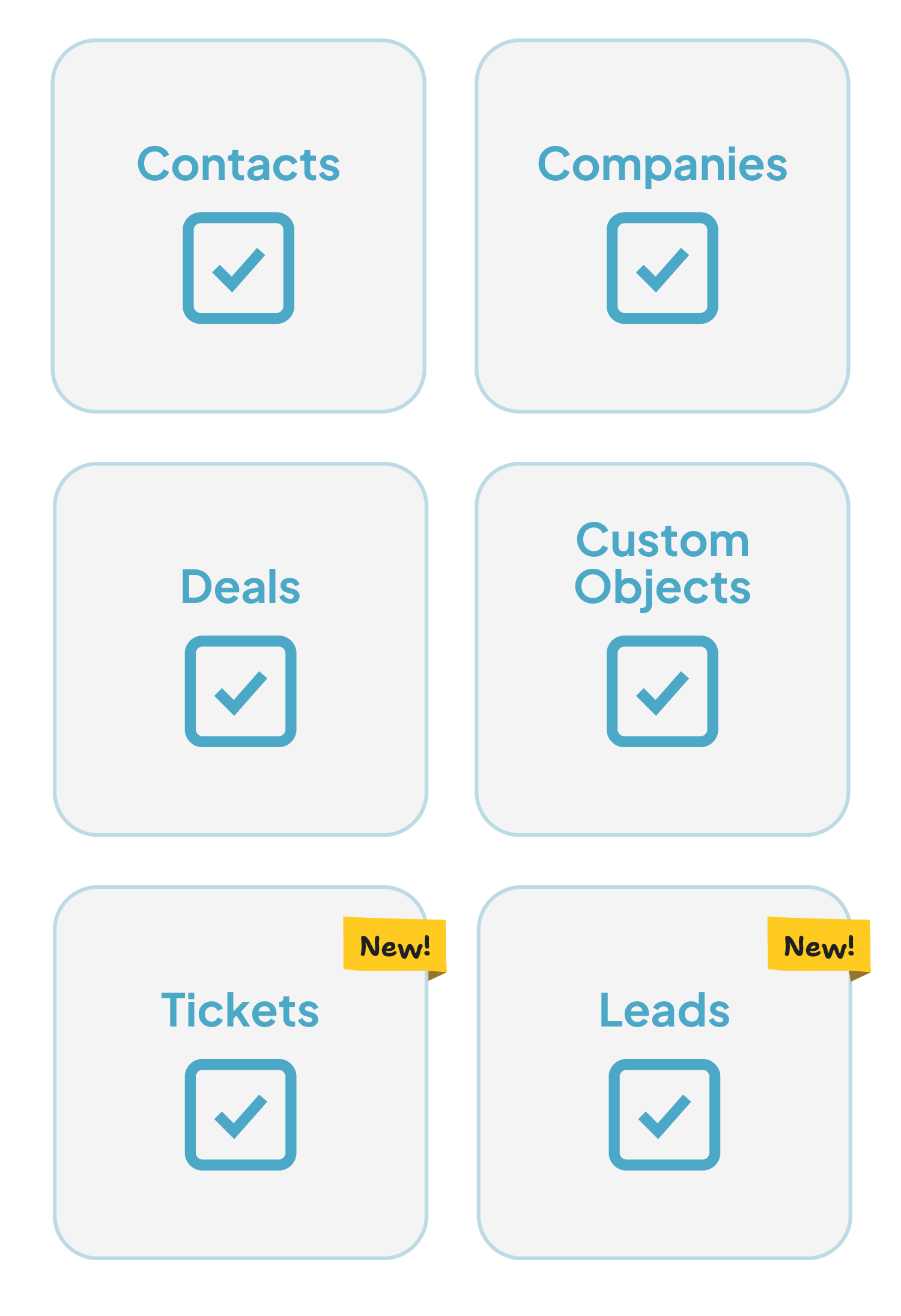
 Manage duplicates across contacts, companies, deals, leads, tickets and custom objects: in bulk, on any field.


Trusted by 20,000+ companies around the globe











Merge HubSpot records across your Hub
Dedupely merges the duplicates you have, then keeps HubSpot from filling up again.
They arrive through forms, imports and integrations, then spread into your lists, your workflows and every report built on them.
Merging them by hand, two records at a time, never catches up. Dedupely connects to your portal through HubSpot's API, matching and merging across contacts, companies, deals, leads, tickets and your custom objects.


Works with the HubSpot-Salesforce Integration
If your portal syncs with Salesforce, Dedupely spots it the moment you connect.
It reads the properties HubSpot writes on every linked record, so there is nothing to configure: no custom fields, no Workflows, no change to your integration settings.
Every company merge then keeps the Salesforce-linked record, so the Account on the other side never ends up pointing at a record that stopped existing. Linked records carry a Salesforce badge in your search results.
When two records in a match are linked to different Salesforce Accounts, no survivor is safe: so Dedupely holds that match and tells you why. Connect Salesforce as well and one button merges those Accounts first.
HubSpot teams love Dedupely
“Our customers want to achieve great results fast.” Everybody at HubSpot already knows what Dedupely can do, and we’re really excited to have them as part of the App Partner Program.


A HubSpot portal makes duplicates in six places at once. Contacts and companies are the two HubSpot looks at; deals, leads, tickets and custom objects quietly build up their own. Dedupely reads all six the same way, so the cleanup is one job instead of six.
Clear the backlog in an afternoon, switch Auto Merge on, and it does not come back. Ask anything during setup and a person answers, on any plan.

Duplicate contacts skew every list, every workflow and every report built on them, and they mean two emails landing with the same person. Dedupely groups them and merges them on rules you set, so the numbers your team works from are the real ones.
One record per person means list counts, attribution and revenue reports finally agree with each other.
A workflow enrolls the right record, and nobody gets the same sequence twice.
How HubSpot deduplication works here
A Super Admin connection. HubSpot's field-level permissions never restrict a Super Admin, so no property is hidden from a merge preview.
Whole objects, not part of one: switch any object off in CRM Settings. After that, new records sync and new duplicates surface within about three minutes.
It runs through HubSpot's own merge, called over the API. HubSpot issues a new record ID and retires both originals; inside HubSpot the old IDs redirect to the new one. Most merges finish in under ten seconds.
Any object you have not switched on, and every property outside the records in the match. Merging is the only write Dedupely makes.
No merge can be undonenot in HubSpot, and not by any tool that merges through it. What stands in for undo: Manual Review holds every match until you approve it, Merge History records what each merge kept, and nothing runs on a schedule until you turn Auto Merge on yourself.
HubSpot duplicate management, side by side
| NativeHubSpot Data Hub | Third partyOther dedupe tools | Our SolutionDedupely Leading HubSpot Technology Partner | |
|---|---|---|---|
| Finds duplicates already in your portal | Professional and Enterprise only | Yes | Yes, on any field you choose |
| Records per match | Two | Varies | Every record in the group |
| Bulk merge | No: one pair at a time | Usually | Whole result sets in one pass |
| Control over which value survives | No | Varies | A Merge Rule on every field |
| Runs on a schedule | No | Often a higher tier | Auto Merge, on every plan |
| Ease of use | Easy but limited | Too basic or too complex | Easy to use |
| What you pay for | Included from Professional up | Often per user or per seat | Records synced. No per-user fee |
| Works with the HubSpot-Salesforce Integration | Company merges blocked on legacy sync | Varies | Detected automatically; the Salesforce-linked record always survives |
Why customers choose us
Configurable without becoming a project.
Dedupely is between tools that take weeks to learn and others that don’t give you any options. Match on any property, set a rule on any field, and still run your first merge the day you connect.
Our pricing.
It follows the records you sync. No per-user fee, no feature matrix and no tiers.
We go deeper.
The hard merges are the ones where both records look right. Dedupely turns those into a single click between two sensible options.

"It couldn't have been much easier to connect to HubSpot and run my first dedupe. The online chat was always quick, and the ease of scheduling a Zoom call with support was so easy."
 HubSpot user


Merge HubSpot duplicates in 5 minutes
Three steps from portal to first merge
Connect your portal
Two clicks, through HubSpot's API.
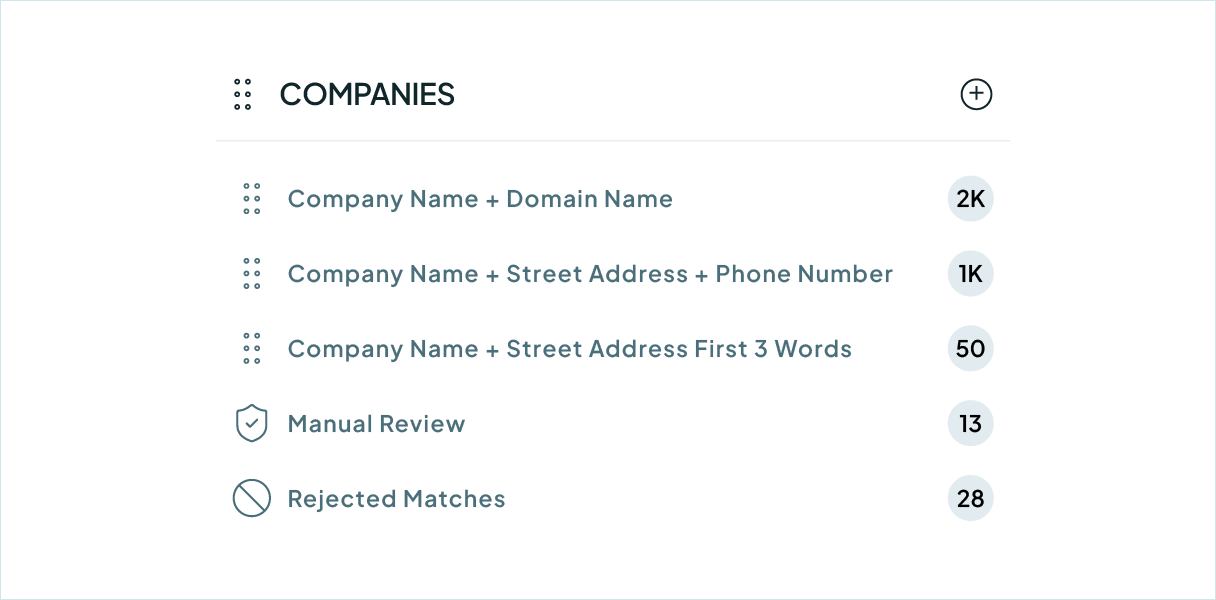
Match any property
Default searches, or build your own.
Merge in bulk
Whole groups, singly, or scheduled.
We love to customer service
That's why we offer unlimited support.

Submit a ticket
You can submit a support ticket by emailing us. Our team will respond as soon as possible.


Zoom Support
We offer unlimited video call support. Whether you’re getting started or getting intense.
20,000+ businesses
feel the magic
"Incredibly effective at tackling massive duplicate data cleanup - exactly what we needed. Very helpful for cleaning up the massive amount of duplicate information that we had in our system."

"Worked as expected and Nestor at Customer support was extremely helpful walking me through some nightmare duplicate issues we had. Highly recommend!"

FAQs

It does the part that tool leaves undone. HubSpot shows you two records at a time and asks you to merge them one pair at a time. Dedupely groups every duplicate it finds, however many are in the group, and merges the whole set in one pass.
Its matching is built around pairs. Duplicates arrive in threes and fours, so a pair-based tool leaves the rest behind and you find them again next quarter.
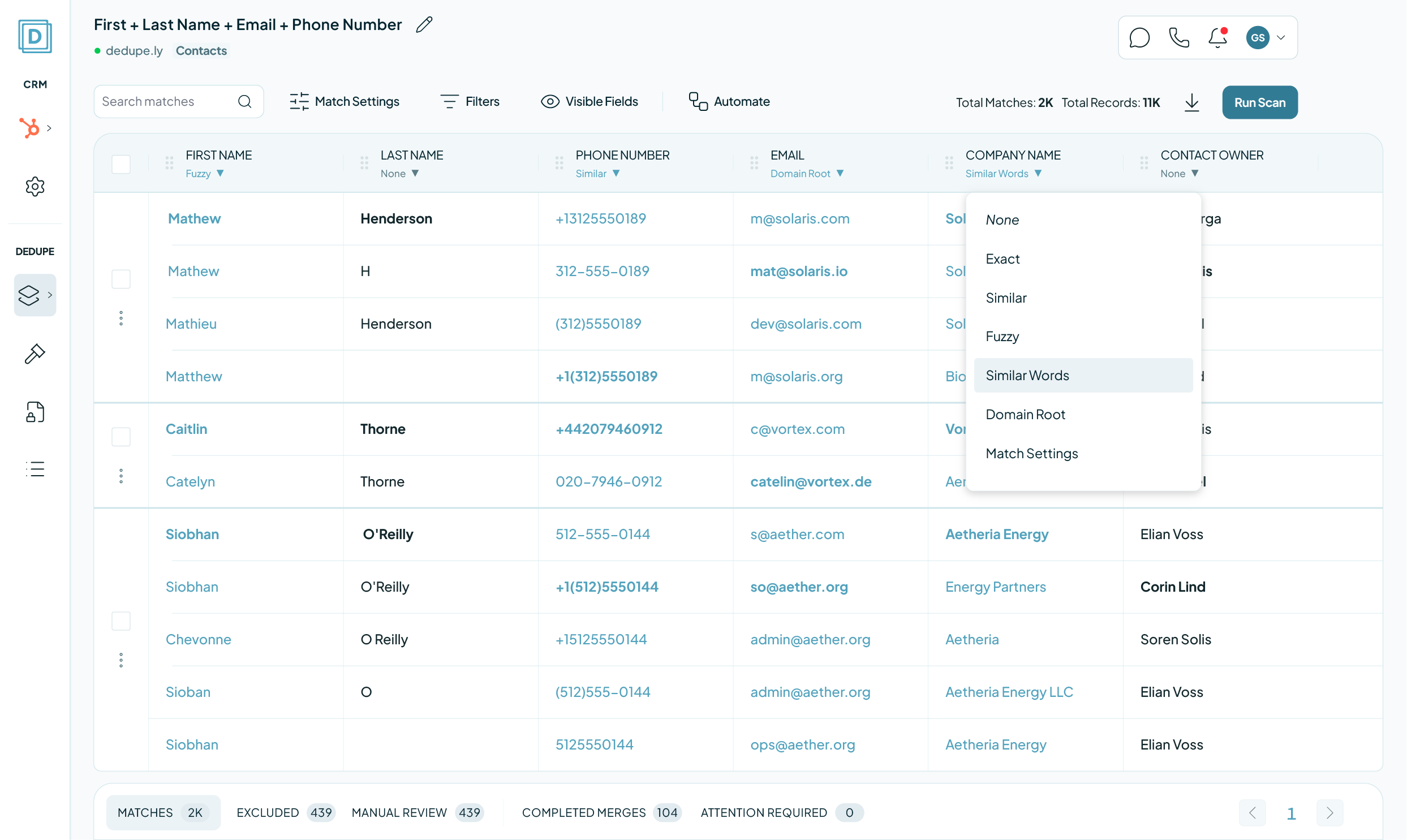
Dedupely matches on the fields you choose (Email, Company, any custom property) and puts every record that matches into one group.
Yes. HubSpot's own Manage duplicates is a Professional and Enterprise feature, so on Free and Starter portals it is not there at all. Dedupely connects to any portal through the API.
Contacts, companies, deals, leads, tickets and your custom objects, on every field those objects carry rather than a fixed list.
New records reach Dedupely within about three minutes, so a duplicate created this morning is findable the same morning. Most merges finish in under ten seconds; leads take a little longer.
HubSpot creates a new ID for the merged record and retires both originals: that is HubSpot's behaviour, whether you merge by hand or through the API, and no tool can override it. Inside HubSpot the old IDs redirect to the new record.
It matters if an outside system stores HubSpot IDs. Re-fetch the record there and it resolves.
No. On a portal running the HubSpot-Salesforce Integration, company merges are integration-aware: the Salesforce-linked record always survives, and a match whose records point at two different Salesforce Accounts is held for you to decide rather than merged.
You choose the Primary. Merge Rules decide the rest field by field: keep the newest value, take a value over a blank, or pin a field to the Primary. Every merge lands in Merge History with what it kept.
Yes. Manual Review holds every match until you approve it, and a match you reject stays out of later searches. Connecting your portal merges nothing on its own.
Auto Match finds new duplicates as records arrive. Auto Merge merges the ones that meet your rules, on the schedule you set. Filter a search by lifecycle stage, deal stage or property value first, so automation only touches the segment you trust.
Yes. The 7-day trial connects your portal, syncs your records and runs searches, with unlimited support while you set it up. Nothing merges until you merge it.
Get started for free
20 free trial merges and as much free support as you need to get your duplicates under control.

 Or sign up with Google
Isaac J
Salesforce User
 Salesforce AppExchange
 Running CRM cleanup for clients? See the Partner Program











