



TL;DR
- Event organizers often get duplicates because the same people return every year through different tools.
- Registration, speaker, sponsor and exhibitor forms can each create a record for one person.
- Returning attendees often come back with a new job, email or company.
- Whether one person with several event roles keeps one record is case by case.
- Dedupely finds duplicate attendees, speakers and sponsor companies in your CRM and previews each merge.
For an event organizer, the CRM is the guest list for every edition. Attendees register, speakers apply, sponsors sign contracts and exhibitors book stands. Next year, many of the same people come back.
They rarely come back the same way. An attendee registers with a new work email, a past speaker buys a ticket, and a sponsor sends a new contact. Each of those can become a new record, and the history of who has been to your events gets split.
In this post, you'll see where duplicates come from for organizers and what counts as a duplicate across years and roles. You'll also see which fields match each kind of record and when to clean in the event calendar.
Why organizers see duplicates every year
Many companies get duplicates from an occasional event list, covered in how event and purchased lists create CRM duplicates. For organizers, events are the business, so the same sources return with every edition.
Several tools, one audience
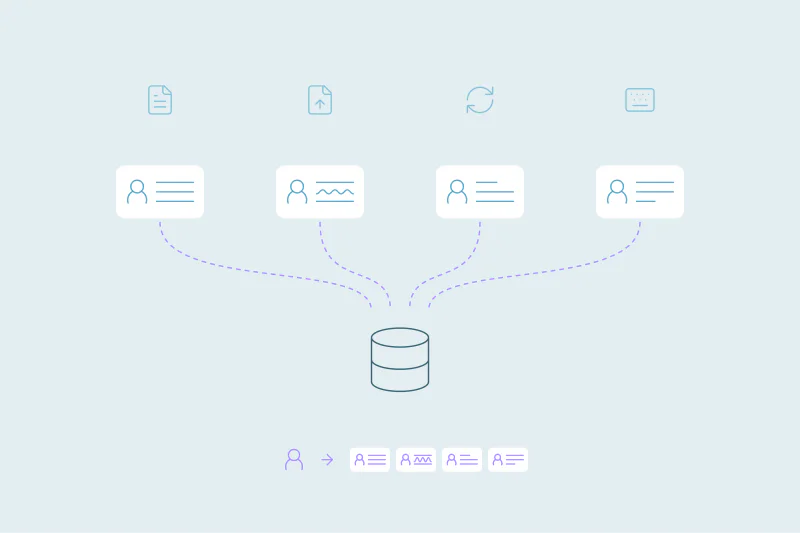
Ticketing, the call for speakers, sponsor forms, the exhibitor portal and badge scanning often run on different tools. Each sends people to the CRM through its own sync or export. Each looks for existing records in its own way, if it looks at all.
People return with new details
Between two editions, people change jobs, emails and titles. A returning attendee registering with a new work email looks like a new person to a system that matches on email. A contact who changes jobs raises its own questions about one record or two.
One person, several roles
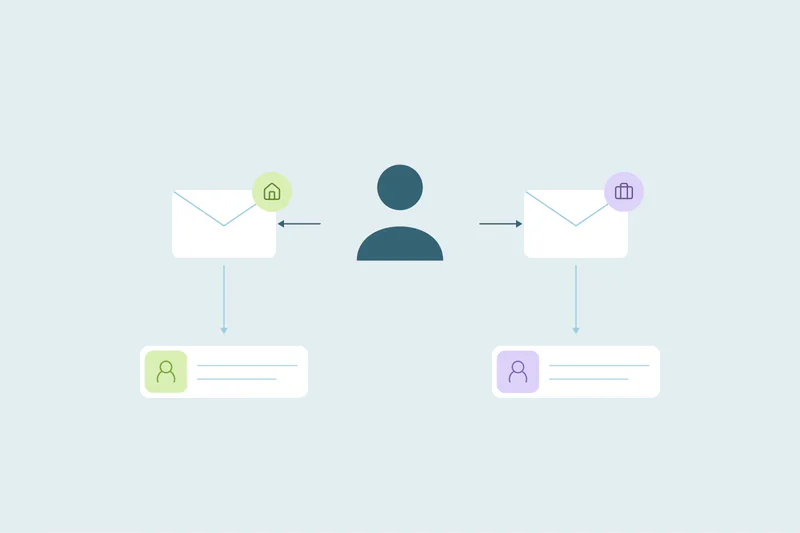
Last year's attendee is this year's speaker, and a speaker's company becomes a sponsor. Each role often arrives through a different form, so one person can hold an attendee record, a speaker record and a sponsor contact.
People registered by someone else
Assistants register executives, and companies register whole teams at once. The attendee record may carry the assistant's email or a shared inbox, which won't match the attendee's own record.
What counts as a duplicate for an event organizer
What counts as a duplicate is case by case, and what one team considers a duplicate, another may not. Organizers have a few cases worth deciding before matching starts.
The same person across years
Many organizers want one record per person, with each year's attendance kept as registrations, deals or activities on that record. Two contacts for one returning attendee split that history. Others keep a record per edition on purpose, for reporting or for privacy reasons.
One person in several roles
One record with a role field gives the sales and programming teams the full picture of a person. Separate records can fit when speaker, sponsor and attendee teams need different owners or different access. Decide per role pair, and write the rule down.
Sponsor and exhibitor companies
A sponsor that returns every year is one company, even when the contact changes. Subsidiaries, regional offices and agencies booking for several brands are harder. Some organizers treat each as its own account, others group them under one company.
Which fields match attendees, speakers and sponsors
Each kind of record has its own best match. Here's where to start for each.
| Record | Start with | Then try | Watch out for |
|---|---|---|---|
| Attendees | Exact email | Name with company, or name with phone | New jobs, assistants' emails, team registrations |
| Speakers | Exact email | Name with company or LinkedIn URL, if you store it | Personal emails on speaker forms |
| Sponsor and exhibitor contacts | Exact email | Name with company | Agency contacts booking for several brands |
| Sponsor and exhibitor companies | Core domain of website or email | Company name, ignoring suffixes like Inc. | Subsidiaries and regional offices |
For companies, finding duplicate companies by domain covers the domain side in detail. Leave personal email domains, like gmail.com, out of company matching.
Start with the obvious duplicates
Find candidates by email, then check who in practice attended. Assistants and group buyers can register several people with one address. Confirm each attendee's identity and intended roles before merging repeat registrations; review name-based matches separately.
When to clean in the event calendar
Organizers work in cycles, so cleanups fit best at a few fixed points in each edition.
Before registration opens
Clean last year's records before invitations go out. Returning attendees then get one invitation each, and early-bird reports count people once.
After each import
Badge scans, exhibitor lead lists and on-site registrations often reach the CRM in files after the event. Clean each file against itself before import, then check it against the CRM afterward. Tools to clean a CSV before a CRM import covers the file side.
Before sponsor sales start
Sponsor sales often start soon after one edition ends. One record per sponsor company shows the sales team past spend, past contacts and past stands in one place.
What to decide before you merge
For organizers, a merge decides how a person's event history looks. Decide these before the first merge:
- Attendance history: registrations and activities from every record should end up on the surviving one.
- Job title and company: the most recent values often matter most, since they show where the person works now.
- Roles and editions: in multi-select fields like "Events attended," combine the values from both records.
- Consent: preserve applicable opt-outs and suppression status. Have the person responsible for consent check address, channel and purpose-specific preferences; merging records does not grant new permission to send.
- Owner: decide whether the sponsor team or the attendee team keeps a person with both roles.
How Dedupely keeps returning attendees on one record
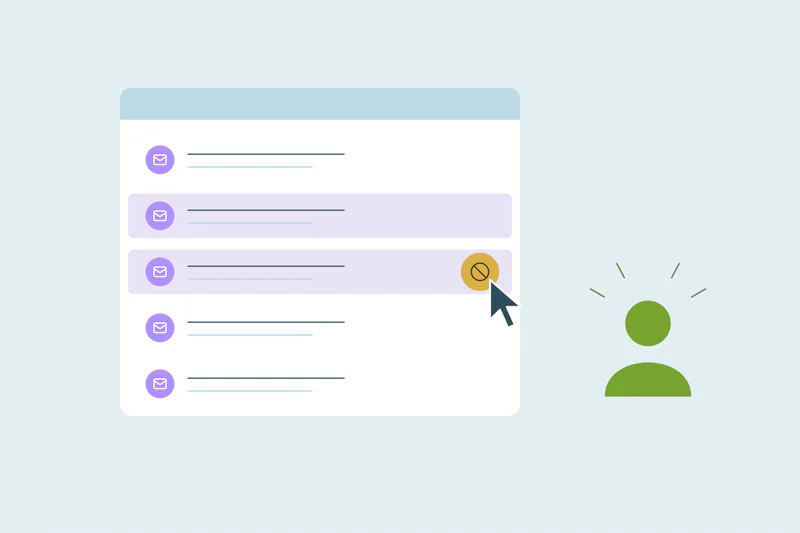
In Dedupely, search supported attendee contacts and sponsor companies, using edition or source filters where those fields exist. Confirm that a shared registration email belongs to the same attendee, choose surviving values and preserve applicable preferences. Preview a sample with attendance links before bulk merging, and automate only a reviewed rule that excludes group registrations.
Every edition, the same people, one record each
Organizers see duplicates every year for a simple reason: the same people return, through different tools, with new details and sometimes new roles. Each edition adds records when one tool doesn't recognize someone another tool already brought in.
Email finds the obvious repeats, name with company finds many of the rest, and domain does the same for sponsor companies. What counts as a duplicate across years and roles stays your call. Cleaning at fixed points in the calendar keeps each edition starting from one record per person.
Frequently asked questions
Why do event organizers get duplicate contacts in their CRM?
Usually because the same people return every year through several tools, like ticketing, speaker forms, sponsor forms and badge scanning. Each tool looks for existing records in its own way. People also change jobs and emails between editions, so a returning attendee can look like someone new.
How do I deduplicate attendees from several registration tools?
Match on exact email first, then combine name with company or phone to find returning attendees with new emails. Clean each imported file against itself and check it against the CRM after import. A field for the source tool lets you clean one tool at a time.
Should a speaker who also attends have one CRM record?
It depends on your team: one record with a role field gives everyone the full picture of the person. Separate records can fit when speaker and attendee teams need different owners or access. Decide per role pair, write the rule down and apply it the same way every edition.
How do I find duplicate sponsor and exhibitor companies?
Match companies on the core domain of their website or email, then on company name while ignoring suffixes like Inc. or Ltd. Leave personal email domains out of company matching. Decide how to treat subsidiaries, regional offices and agencies booking for several brands before you merge.
When should an event organizer clean the CRM?
Clean before registration opens, so returning attendees get one invitation each. Clean again after each import of badge scans or lead lists, and before sponsor sales start. Cleaning at those points means every edition starts from one record per person and one record per sponsor.


 Or sign up with Google
 HubSpot Marketplace











