

TL;DR
- University CRM duplicates often start when one student arrives through fairs, requests and applications.
- Students often change email addresses between first inquiry, application and enrollment.
- Departments sharing one university domain are often separate records that only look like duplicates.
- Split student records can hide which recruitment channel brought in each applicant.
- Dedupely finds duplicate students and institutions and lets you choose which values each merge keeps.
Universities, colleges and schools use their CRM to follow prospective students from first contact to enrollment. Admissions, marketing and recruitment teams all add to it, often through different tools.
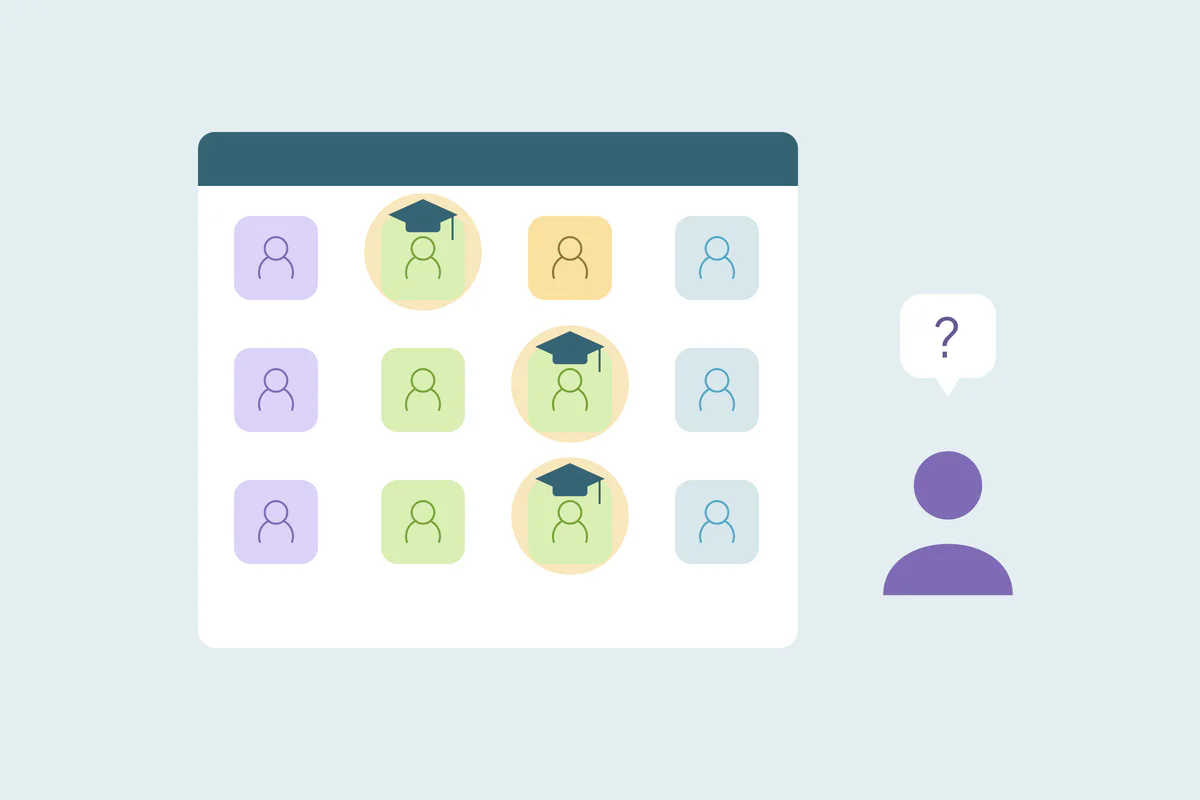
A student might scan a badge at a fair, request a prospectus a month later and apply the following spring. Each step can create a new record. The admissions team then sees three people where there's one, and the fair that started it all gets no credit.
In this post, you'll see where duplicates come from in a university CRM and which records only look like duplicates. You'll also see how split records affect recruitment reporting, and how to clean them up.
Where duplicates come from in a university CRM
Every institution recruits differently, so the causes vary. These come up often.
Recruitment fairs and school visits
Fair sign-ups arrive as scanned badges, paper forms typed in later or lists from the organizer. Names get misspelled and emails get mistyped. How event and purchased lists create CRM duplicates covers this source in more depth.
Prospectus and information requests
Students request a prospectus, book an open day or download a course guide, sometimes several times over a year. A parent may fill in the form for them, with the parent's email on the student's record.
Applications
Application systems often send records to the CRM with the student's full legal name and whatever email they used to apply. If that doesn't match the inquiry record, the applicant becomes a new contact.
Student-records imports
Many institutions import data from their student information system on a schedule. If the import matches on a student ID that inquiry records lack, it can add a record for each student it doesn't recognize.
Email addresses that change along the way
A student may inquire with a high school email, apply with a personal one and receive a university email on enrollment. Each new address is a chance for a new record, and older addresses often stop working.
What counts as a duplicate in higher education
What counts as a duplicate is case by case. What one admissions team considers a duplicate, another may not. These cases deserve a decision before anyone merges.
Departments that share one domain
For student contacts, keep parent and sibling identities separate. A matching family email is a review cue, not proof that two inquiries belong to the same student.
Partner universities, feeder schools and employers are often stored as companies. A university's business school, law school and alumni office can all use one root domain, like university.edu, while working as separate contacts for you.
Matching companies on domain alone groups them together. They're related records, and how to handle related records that look like duplicates covers how to keep them apart.
Students and their parents
A parent who requests information for two children can appear as the contact on both inquiries. The parent, and each child, are separate people. A record with a parent's name and a student's email usually needs fixing by hand before any merge.
Prospect, applicant, student and alum
Many institutions keep one record per person across the whole path, with a status that changes. Others keep separate records for admissions and for enrolled students on purpose. Either can work, as long as everyone uses the same rule.
Institutions named in two languages
International partners show up under more than one name. "Universidad Fernhill" and "Fernhill University" can be one institution, entered by two teams. Names in other languages, accents and abbreviations are covered in how international data creates hidden CRM duplicates.
Legal suffixes and short forms split institution names too, as in how company suffixes like Inc. and LLC hide duplicates.
How split records break recruitment attribution
Recruitment teams want to know which fairs, campaigns and visits bring in applicants. That answer usually comes from the first source on the record and the stage the student reaches.
When records split, the fair sign-up sits on one record and the application on another. The fair shows inquiries but no applicants, and the application shows no source. Spending decisions then rest on numbers that undercount the channels that work.
Inquiry counts also grow. Three records for one student look like three prospects, so conversion rates from inquiry to application drop.
How to match student and institution records
Start with the obvious duplicates: exact matches on the field that identifies each record. Then combine fields for the rest.
| Record | Start with | Then try | Watch out for |
|---|---|---|---|
| Prospective students | Exact email | Name with mobile phone, or name with date of birth | Siblings sharing a parent's email or phone |
| Applicants and enrolled students | Student ID, where both records have it | Name with date of birth | Students who changed email between inquiry and enrollment |
| Parents | Exact email | Name with phone | A parent's details saved on a student's record |
| Schools and partner institutions | Core website domain | Name compared word by word, across languages | Departments and campuses sharing one domain |
How to clean a university CRM
Fix the source that keeps creating records
If one import or form creates duplicates on every run, cleaning alone won't hold. Check which field each import uses to find existing students, and add a field that inquiry records also carry, like email.
Start with exact email matches
Use exact email matches to find candidates, then confirm the student using an approved identifier or reliable independent details. Parents and siblings can share an address. Review students who changed emails against admissions or student-records data before merging.
Decide what each merge keeps
- Original source: keep the first recruitment source, so the fair or campaign keeps its credit.
- Stage: keep the furthest stage reached, like applicant or enrolled.
- Recruiter or owner: decide which counselor follows up, so the student hears from one person.
- Consent and preferences: an opt-out on either record should survive the merge.
Clean before each recruitment cycle
Inquiries peak around application deadlines and fair seasons. A cleanup before each cycle starts gives recruiters one record per student when the volume arrives, and cleaner numbers when the cycle is reviewed.
How Dedupely keeps one record per student
In Dedupely, you build duplicate searches for students and institutions, matching names across typos, accents and spelling differences, and institutions on their core domain. You set rules for which value wins, like keeping the original recruitment source, and preview each merge. You reject false matches, like separate departments on one domain, so they stay out of future searches.
One student, one record, from inquiry to enrollment
University duplicates come from the way students reach you. Fairs, requests, applications and student-records imports each add records, and students change email addresses along the way.
Deciding what counts as the same student, and which institutions only share a domain, comes first. Then fix the sources that keep creating records, merge with the original source intact, and recruitment reports show which channels bring students in.
Frequently asked questions
Why does our university CRM have duplicate student records?
Often because students reach you through several channels. Fair sign-ups, prospectus requests, applications and student-records imports can each create a record. Students also change email addresses between inquiry and enrollment, so the CRM doesn't find the existing record and adds a new one.
How do you match prospective students with applicants?
Start with exact email matches, since many students apply with the email they inquired with. Then compare name with mobile phone or date of birth for students who changed addresses. Check that siblings sharing a parent's email or phone aren't grouped together before you merge.
Are university departments duplicates in a CRM?
Usually not. Departments, schools and campuses of one university can share a root domain while working as separate contacts for your team. Domain matching alone groups them, so keep them apart as related records unless two describe the same department.
How do duplicates affect student recruitment reporting?
They split the first recruitment source from the application. A fair can show inquiries but no applicants, while the application shows no source, and inflated inquiry counts lower conversion rates. Merging with the original source kept restores the link between channels and applicants.
Why does a student-records import keep creating duplicates?
Usually because it matches on a field that existing records don't have, like a student ID. Records created from inquiry forms have no ID, so the import treats those students as new. Matching the import on a field both sides carry, like email, stops the loop.




 Or sign up with Google