


TL;DR
- Course provider duplicates often start when learners sign up again for a new course.
- Companies that enroll their staff can end up with several company records.
- A learning platform ID stored on a CRM record needs a clear rule before merging.
- Whether one learner with two learning accounts is a duplicate depends on how you sell.
- Dedupely finds duplicate learners and companies, and you choose which values each merge keeps.
Online course providers, training companies and academies often run two systems side by side. The learning platform delivers courses, and the CRM handles marketing, sales and corporate accounts.
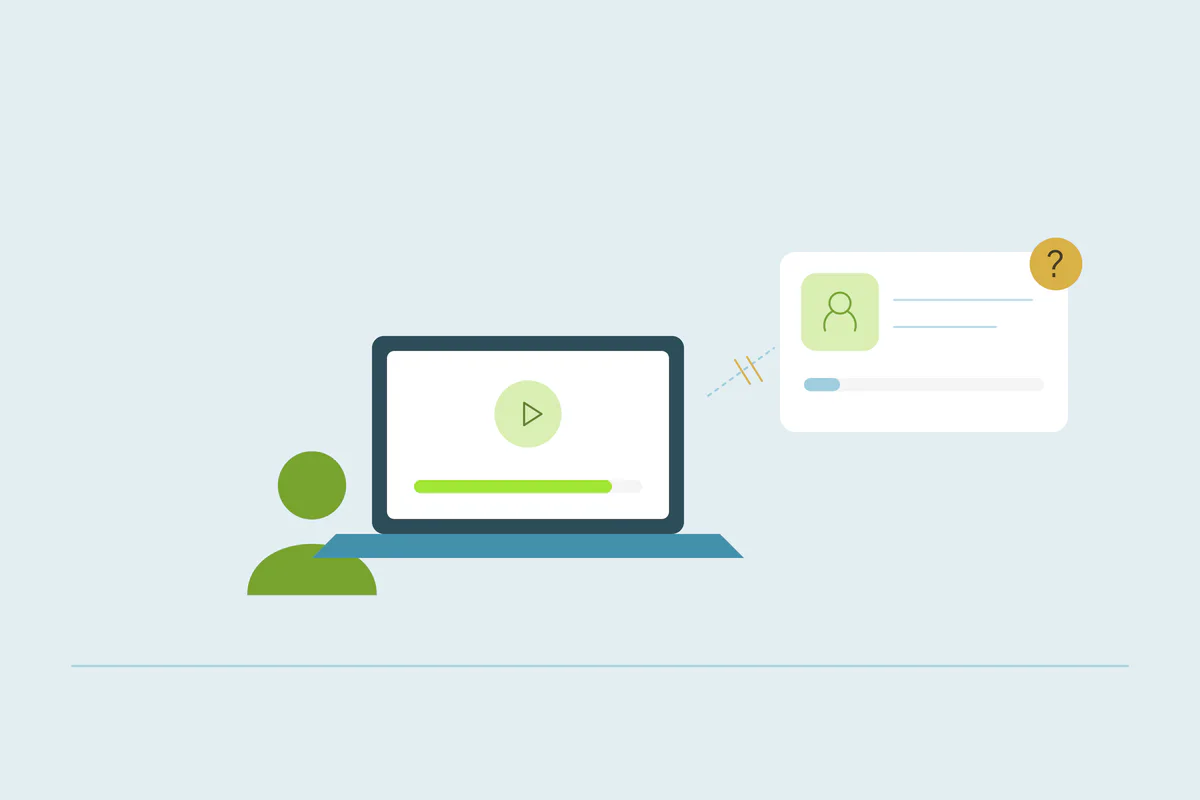
Learners come back for a second course, sign up with a new email or get enrolled by their employer. Each path can add a new record. When records split, the sales team loses sight of what a learner has already bought, and the link to the learning platform can break.
In this post, you'll see where duplicates come from for course providers and what counts as a duplicate. You'll also see how to merge learner records without losing the IDs that connect them to the learning platform.
Where duplicates come from in a course provider's CRM
Every provider sells and delivers courses differently, so the causes vary. These come up often.
Learners who sign up again
A learner takes a free course with a personal email, then buys a paid one with a work email a year later. Checkout pages, sign-up forms and webinar registrations each send records to the CRM. Why web forms create duplicate contacts covers how forms add a new contact for a new email.
The learning platform syncing to the CRM
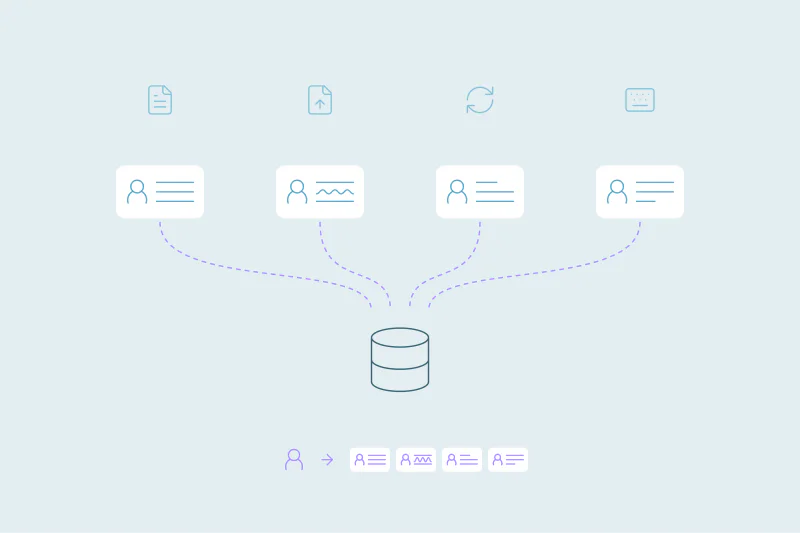
Many learning platforms send new accounts, enrollments and completions to the CRM. If the connection looks up learners by its own ID, or creates a contact on every enrollment, it adds records the CRM already has. SaaS companies face a similar pattern with product sign-ups, covered in CRM deduplication for SaaS companies.
Companies that enroll their staff
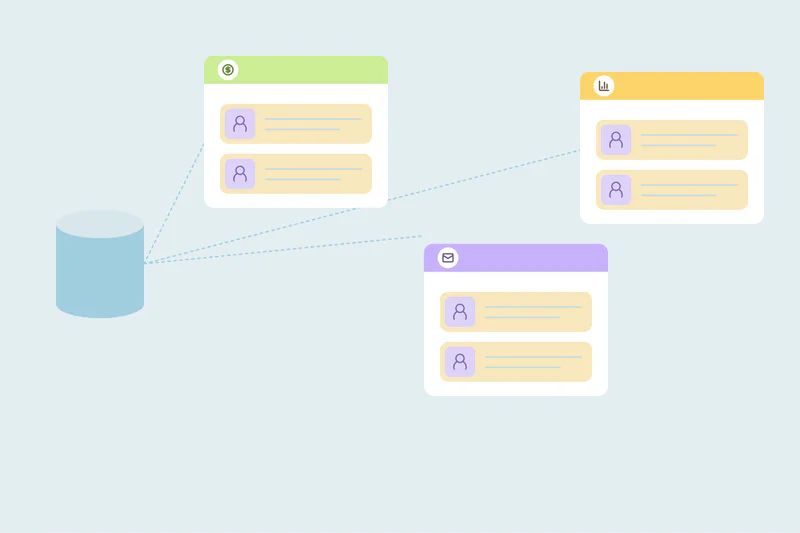
A training manager buys seats for a team and enrolls 30 employees. Some employees register themselves first, some with personal emails. The company can end up as several records: one from the buyer, one per email domain and one typed by a salesperson.
Webinars, downloads and events
Free webinars and course guides bring in leads that may already be learners. If the registration tool doesn't match on email, each webinar can add another record for the same person.
What counts as a duplicate for learners and companies
What counts as a duplicate is case by case. What one training provider considers a duplicate, another may not. These cases deserve a decision before anyone merges.
One learner with two learning accounts
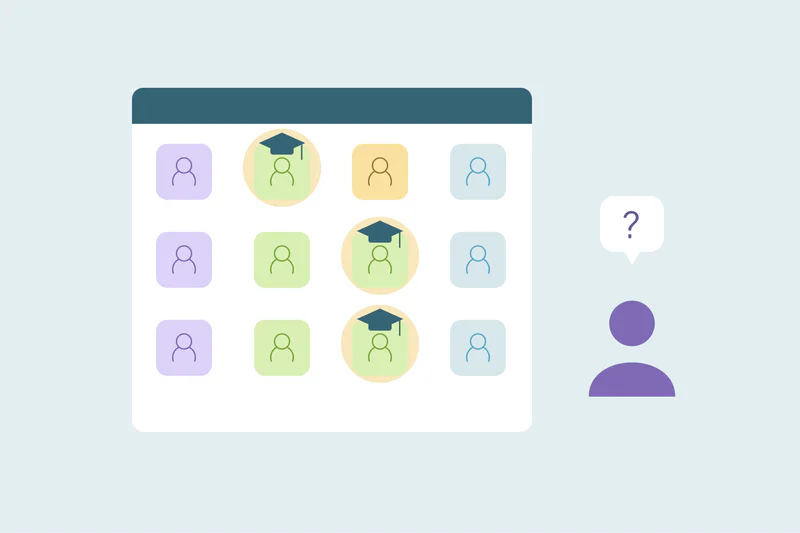
A learner who studies on their own and through their employer may have two accounts on purpose. One is paid by the company and the other by the learner. Some providers keep two CRM records for that reason, while others keep one person with both enrollments.
Personal and work emails
The same learner can sign up with a personal email for one course and a work email for another. Matching on name with phone or company finds many of these. How to match personal and work emails covers the details.
A corporate buyer who's also a learner
The manager who buys training often takes a course too. One record can hold both roles. Decide whether your team tracks the buyer and the learner as one person, so a merge doesn't surprise sales.
Corporate clients with several divisions
Divisions of one employer can buy training separately, with their own budgets and contracts. They can share a name and a domain and still be separate accounts for your team.
Why learning platform IDs need care in a merge
Integrations between a learning platform and a CRM often store the learner's platform ID on the CRM record. The integration uses that ID to update enrollments, progress and completions on the right contact.
When two learner records merge, only one value can stay in a single ID field. If the surviving value points to an old or closed account, updates stop arriving. If the ID is lost, the integration may create a new record on the next sync, and the duplicate comes back.
What to decide before merging learner records
Agree on these fields before the first merge, together with whoever manages the learning platform integration.
| Field | Why it matters | A rule to consider |
|---|---|---|
| Learning platform ID | Connects the CRM record to the learner's account | Keep the ID of the account the learner uses, and note the other ID elsewhere |
| Enrollments and course history | Shows what the learner has already bought | Keep every enrollment on the surviving record |
| Completion and certificate status | Drives renewals, follow-up courses and compliance training records | Keep the furthest progress, never a blank |
| Company and billing account | Decides whether the employer or the learner pays | Keep the company that paid for the active enrollment |
| Consent and preferences | Controls marketing to the learner | An opt-out on either record survives the merge |
Check the ID field itself, too. If the platform writes its ID into a read-only CRM field, rules for which value wins may not change what's kept there. Look at that field before merging.
How to clean a course provider's CRM
Start with exact email matches
Records with the same email are often the same learner entered twice. Clean those first, and check that each set has at most one learning platform ID, or two that point to the same account.
Test on a handful of learners
Merge a few learners whose platform IDs differ, then check that progress still updates and no new record appears after the next sync. A backup first makes the test safer, as covered in how to back up your CRM before a large merge.
Match learners who changed emails
Next, compare name with phone, or name with company, for learners who signed up with different addresses. Check sets that share only a common name before merging.
Clean company records by domain
Group corporate clients by their core website domain, leaving out personal email domains like gmail.com. Reject matches between divisions you sell to separately, so they stay out of future rounds.
How Dedupely keeps learner records connected when merging
In Dedupely, search for possible duplicate learner contacts in supported CRM objects, choose surviving values field by field and preview each merge. Check the active learning-platform ID, course links and the next sync on a small sample. A CRM merge does not combine platform accounts or transfer enrollments and entitlements.
One learner, one record, one link to the platform
Course providers collect duplicates from repeat sign-ups, learning platform syncs, corporate enrollments and webinars. Each source makes sense on its own, and together they split learners and clients across records.
Confirm the learner first, then test which platform ID and course links survive on a small sample. Merging CRM records does not merge learning-platform accounts or transfer enrollments. Check the active account, entitlements and next sync before widening the cleanup.
Frequently asked questions
Why does our course platform create duplicate contacts in the CRM?
Often because the integration looks up learners by a field existing records lack, like the platform's own ID, or creates a contact per enrollment. Learners who sign up again with a new email add more. Checking which field the connection uses to find existing learners shows where duplicates start.
How do you merge learner records without breaking the LMS integration?
Decide first which learning platform ID the surviving record keeps, usually the one tied to the account the learner uses. Keep the other ID in a separate field. Test the merge on a few learners and confirm progress still updates and no new record appears after the next sync.
Should a learner with a personal and a company account be one record?
It depends on how you sell. When the employer pays for one account and the learner for another, some providers keep two records for billing. Others keep one person with both enrollments, so agree on the rule with sales and finance before merging.
How do you find duplicate corporate clients in a training CRM?
Match companies on their core website domain first, leaving out personal email domains like gmail.com. Then compare company names word by word. Divisions that buy training separately can share a name and domain, so reject those matches when you're certain they're separate accounts.


 Or sign up with Google
 HubSpot Marketplace











