


TL;DR
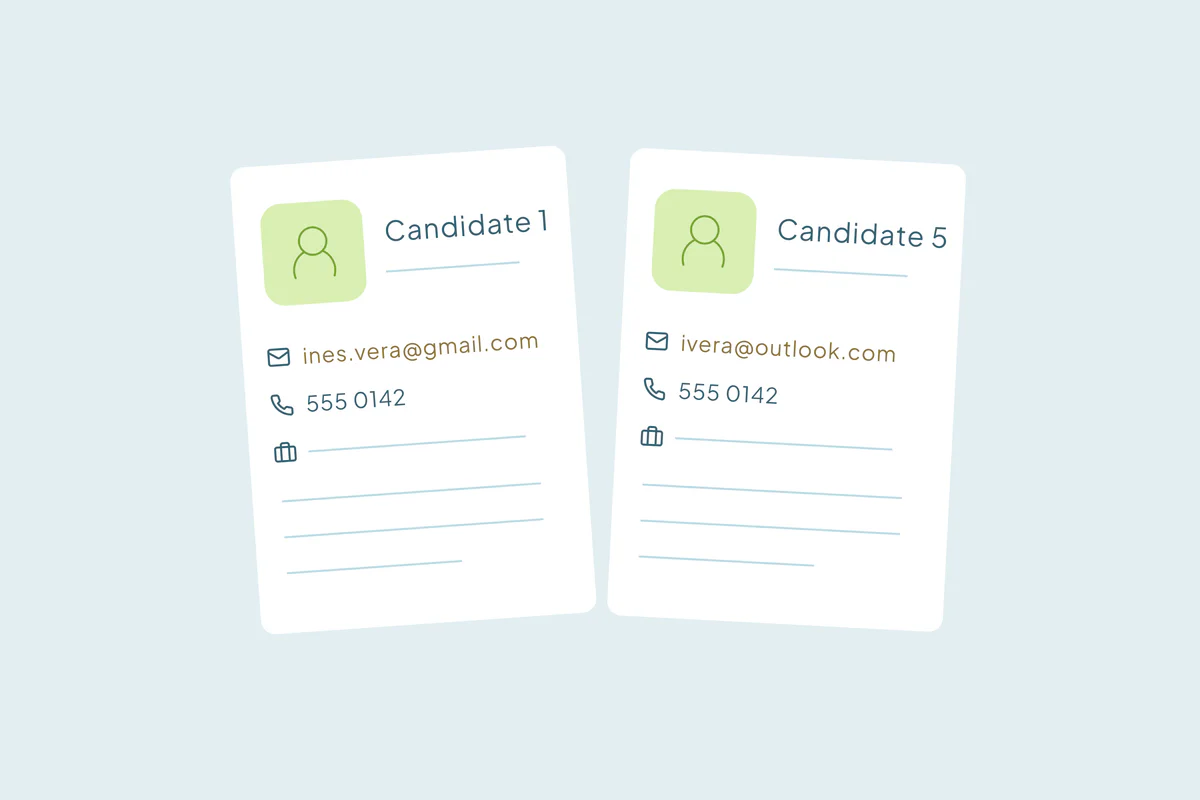
- Recruiting duplicates often come from candidates and from contacts at client companies.
- Candidates who apply again with another email can end up in several records.
- Client contacts who change jobs or update their details can create a second record.
- Matching name with phone number finds many duplicate candidates that email matching misses.
- Dedupely finds duplicate candidates, client contacts and client companies and previews each merge.
A recruiting or staffing firm runs on two sets of relationships: the candidates it places and the client companies that hire them. Both live in the CRM or applicant tracking system, and both change often.
Recruiting firms come up in my calls, and their duplicates come from both sides. Candidates sign up again or send things from different emails. Contacts at client companies change jobs or update their details.
In this post, you'll see where each kind of duplicate comes from and what it costs a recruiting team. You'll also see how to match candidates and clients, and what to protect when you merge.
Where candidate duplicates come from
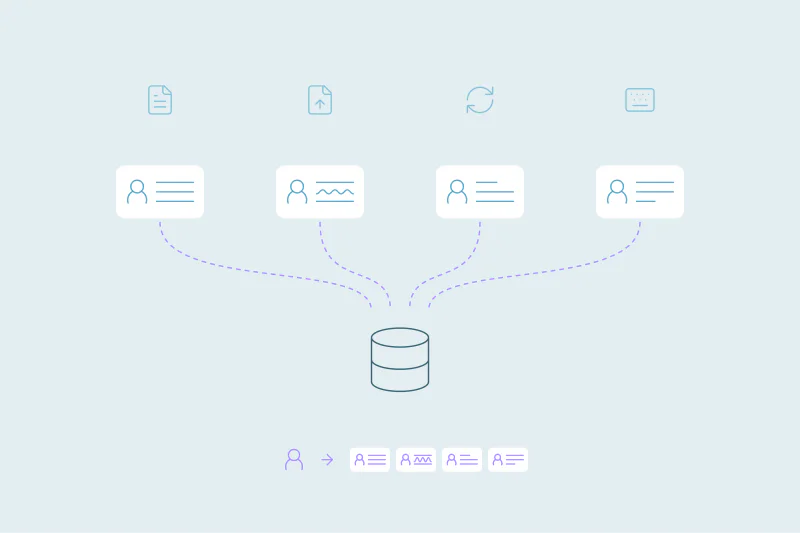
Candidates reach a recruiting database through many doors, and each door can create a new record.
Candidates who apply or sign up again
A candidate applies for one role, then another a few months later. If the second application can't find the first record, it creates a new one. Application and sign-up forms create duplicates the same way in any CRM.
Different emails for one person
Candidates often use a personal email for one application and a newer address for the next. Some send a resume from a work email, then follow up from a personal one. Each new address can become a new record.
Job boards, sourcing tools and resume parsing
Records also arrive from job boards, sourcing tools and parsed resumes. A parser can read a name in a different order, or drop a middle name, so the same candidate looks like someone new.
Several recruiters, one candidate
Two recruiters can source the same person for different roles and each create a record. Neither one sees the other's notes or history with the candidate.
Where client-side duplicates come from
The client side duplicates for different reasons. People and companies change over time, and the CRM doesn't always follow.
Contacts who change jobs
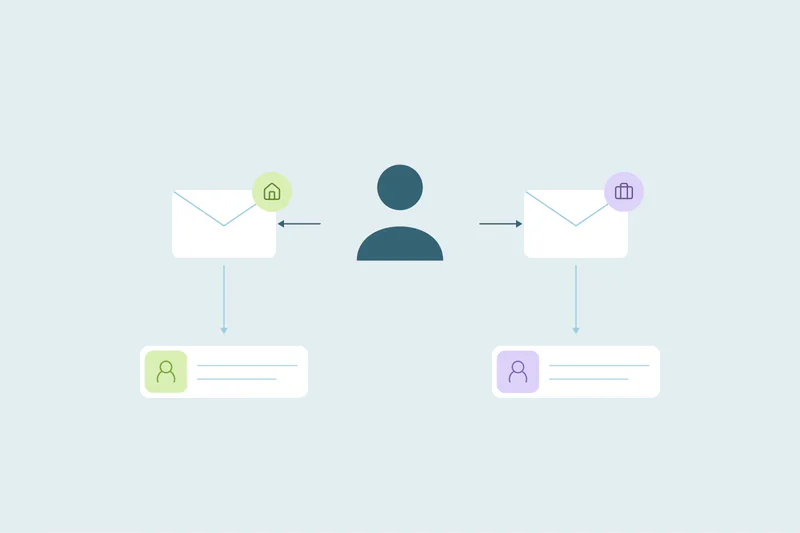
A hiring manager moves to a new company and comes back as a client, with a new email. The firm can end up with two records for one person, one at each company.
Whether that's a duplicate is case by case. Some firms want one record that follows the person, so the relationship history stays together. Others keep the old record tied to the old company and create a new contact.
Contacts who update their details
A client contact changes their email, phone or title, or the company changes its email domain. If the update arrives through a form or an email sync, it can create a record instead of updating one.
Client companies entered more than once
Several recruiters can add the same client company with different names, like Acme, Acme Inc. and Acme Staffing Group. Company suffixes and abbreviations are common reasons one client becomes several records.
What duplicates cost a recruiting team
Recruiting moves fast, and duplicates slow it down in ways that candidates and clients can see.
- Two recruiters, one candidate: the same person gets calls from two recruiters about different roles, with no shared context.
- Submitting a candidate twice: a candidate can be put forward to the same client by two recruiters, which can look careless to the client.
- Ownership disputes: when placement credit depends on who owns the candidate, two records can mean two claims.
- Lost history: interview notes, skills and past placements sit in one record while the recruiter works from another.
- Missed client relationships: a former hiring manager at a new company looks like a cold contact.
How to match candidates and clients
Start with the obvious duplicates: exact email matches. Then combine fields for the people and companies email alone can't find.
| Record | Start with | Then try | Watch out for |
|---|---|---|---|
| Candidates | Exact email | Name with phone, or name with a profile URL | Common names, parsed names in a different order |
| Client contacts | Exact email | Name with company domain | Contacts who moved to a new company |
| Client companies | Core domain of the website or email | Company name, ignoring suffixes | Agencies, subsidiaries and branches that share a name |
For client companies, the domain is often the strongest link. Matching companies by domain explains why, and when personal email domains get in the way.
What to protect when you merge
A recruiting merge decides which history, owner and status the surviving record keeps. Agree on these before the first merge.
Placement and submission history
Every application, submission, interview and placement should end up on the surviving record. That history helps stop a candidate being submitted twice.
Candidate owner
Decide which recruiter owns the merged candidate, such as the first to source them or the one with the latest activity. Agree on it before merging, since ownership can affect placement credit.
Status and availability
A candidate can be "placed" in one record and "available" in another. Decide which status wins, and check the merged record makes sense before recruiters use it.
Consent and communication preferences
If a candidate asked not to be contacted on one record, that preference usually applies to the person. Make sure it survives the merge.
How Dedupely keeps candidates and clients in one record each
Dedupely finds possible duplicates among contacts and companies in supported CRMs, including candidates stored as contacts. Build searches on name with phone or company, set merge rules and preview the result. Test interview notes, submissions and placement links separately; support for CRM contacts does not imply support for every ATS object.
Know every candidate and client once
Recruiting duplicates come from two directions. Candidates come back with new emails and through new channels, and client contacts change jobs, details and domains.
Deciding what counts as a duplicate on each side comes first, including people who change companies. Matching on more than email and protecting placement history and ownership lets recruiters work from one record per person.
Frequently asked questions
Why do recruiting firms have so many duplicate candidates?
Because candidates reach the database in many ways: repeat applications, sign-ups with different emails, job boards, sourcing tools and parsed resumes. When a new record can't find the existing one, often because the email changed, it creates another. Several recruiters sourcing the same person add more.
How do you find duplicate candidates with different emails?
Match on name combined with a field that stays stable, such as phone number or a profile URL. Start with exact email matches, since those are the easiest to confirm. Then review name-based matches carefully, because common names and parsed names in a different order can pair different people.
Should a client contact who changes jobs be merged?
It depends on how your firm works. Merging keeps the relationship history with the person, which helps when a former hiring manager becomes a client again. Other firms keep the old record tied to the old company and create a new contact, applying that rule consistently.
What happens to placement history when you merge candidates?
It should move to the surviving record, along with applications, submissions, interviews and notes. Check how your CRM or deduplication tool handles activities before a large merge. Keep a record of the original values too, since many merges can't be undone.
How do you stop duplicate client companies in a recruiting CRM?
Match client companies on the core domain of their website or email, then on company name while ignoring suffixes like Inc. or Ltd. Leave personal email domains out of domain matching, and agree with recruiters on one naming format when they add a new client.



 Or sign up with Google

 Pipedrive user











