


TL;DR
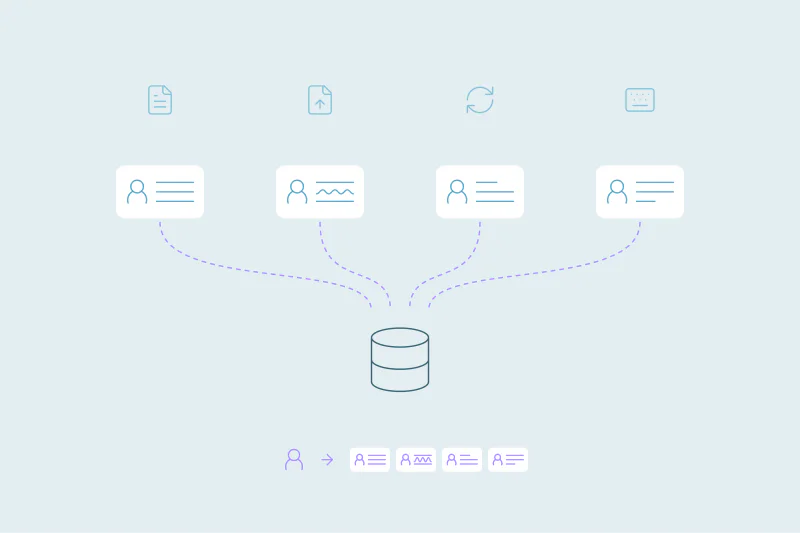
- Nonprofit duplicates often start when several tools each create their own supporter records.
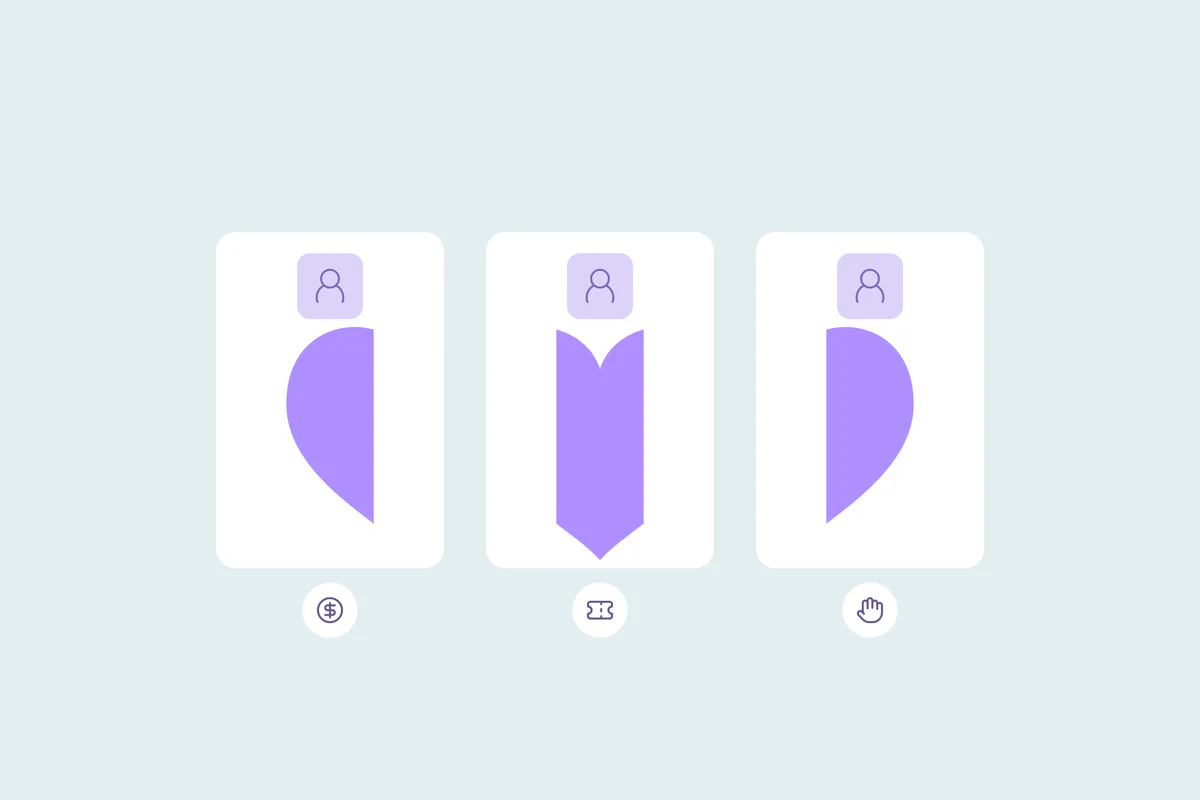
- One supporter split across records can show a fraction of their real giving history.
- Whether a household is one record or several depends on how your team fundraises.
- Exact email matches are a good first cleanup round, apart from shared family emails.
- Dedupely finds duplicate supporter records and keeps their activities and associations when merging.
Nonprofit teams put a lot of work into every relationship. A donor gets a personal thank-you and a volunteer gets a call before the next shift. An event guest gets a follow-up after the gala.
Duplicates quietly undo part of that work. The same supporter sits in three records, each with part of their story, and staff spend hours piecing it back together.
In this post, you'll see where nonprofit duplicates come from and what they cost your team. You'll also see what counts as a duplicate for donors, households, guests and volunteers, and where to start.
Where duplicates come from in a nonprofit CRM
Every organization's setup is different, so the causes vary. These four come up often.
Donations from several channels
Online donation forms, peer-to-peer campaigns, mailed checks and recurring gifts can each reach the CRM in their own way. If a donor gives online with a personal email and by check with a work address, two records can appear.
Events and ticketing
Galas, runs and community events bring in guest lists, often from a ticketing tool or a spreadsheet. One person buys tickets for a table, and guests arrive with partial details. Event lists are a common source of duplicates in any CRM.
Volunteer sign-ups
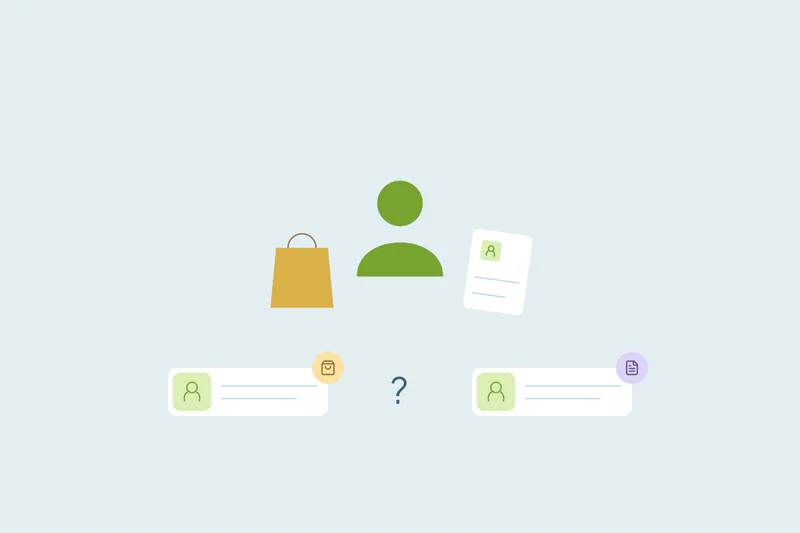
Volunteers often sign up through their own form or a separate scheduling tool. A long-time donor who starts volunteering can arrive as a new person, with no link to their giving.
Imports from past systems and spreadsheets
Some nonprofits have moved between databases, or kept lists in spreadsheets for years. Each import that can't find an existing record creates a new one.
What duplicates cost a nonprofit team
Nonprofit staff often wear several hats, so every hour counts. Duplicates take those hours in small pieces that are easy to miss.
- Time spent reconciling: staff compare records by hand before a mailing, a board report or a year-end statement.
- Giving history split in pieces: a supporter who gave five times may look like a first-time donor in one record.
- Mixed-up thank-yous: one donor receives two acknowledgments, or none, depending on which record the gift landed on.
- Missed signals: a major gift prospect can stay hidden when their gifts, events and volunteer hours sit in separate records.
- Communication preferences: an opt-out on one record may not stop mail going to the other.
Over time, the cost is trust. When development staff stop believing the giving totals, they keep their own spreadsheets, and the CRM falls further behind.
What counts as a duplicate supporter?
What counts as a duplicate is case by case. What one nonprofit considers a duplicate, another may not.
Donors
A donor entered twice is the clearest case: same person, same gifts, two records. The harder cases are a donor who gives personally and through a family foundation, or through an employer match.
Households
Partners who give together can share an address, a phone and sometimes an email. Some teams solicit and thank the household as one unit; others track each person's giving separately. Records that share a household aren't always duplicates, so decide this before any bulk merge.
Event attendees
A guest registered by someone else can arrive with the buyer's email. Matching on email alone would merge two different people.
Volunteers
A volunteer who also donates is one person with two roles. Many teams want one record that shows both, so the relationship is visible in one place.
Supporter records at a glance
| Record | Where duplicates come from | Match on first | Watch out for |
|---|---|---|---|
| Donors | Online forms, checks, recurring gifts, imports | Exact email, then name with postal address | Gifts through a foundation or an employer |
| Households | Joint gifts, mailing lists | Postal address with last name | Partners your team tracks separately |
| Event attendees | Ticketing tools, guest lists | Exact email, then name with phone | Guests registered under the buyer's email |
| Volunteers | Sign-up forms, scheduling tools | Exact email, then name with phone | Shared family emails |
Where to start the cleanup
A nonprofit cleanup doesn't need a long plan to begin. It needs a few decisions made up front.
Start with the obvious duplicates
Begin with exact matches on email. They're the duplicates your team is least likely to debate, and merging them shrinks the rest of the work. Review any set that shares a family email or a ticket buyer's email first.
Then match people without the same email
Combine name with a field that stays stable, like postal address or phone. Review these matches before merging, since households and event guests can look alike.
Decide what each merge keeps
Before the first merge, agree on what the surviving record should hold. Gift history, recurring gift details, communication preferences and opt-outs deserve the most care.
Reject what isn't a duplicate
Partners you track separately or guests registered by someone else can keep showing up as matches. Reject a match only when you're certain it isn't a duplicate, since it won't come back in later searches.
Keep it on the calendar
New gifts, events and volunteers keep arriving, so duplicates come back. Pick a rhythm that fits your busiest seasons, like before year-end appeals. How often to deduplicate depends on how fast new records arrive.
How Dedupely helps nonprofits keep one record per supporter
When supporters are stored as contacts in a supported CRM, Dedupely lets you search by email, name, phone or address. Review household matches, choose which values win and preview the merge. Check donation and event links separately: support for contact records does not imply support for every fundraising object or platform.
Give the time back to your supporters
Nonprofit duplicates come from the same places that bring in support: donations, events, volunteer sign-ups and old imports. Each source makes sense on its own, and together they split one supporter across several records.
The effort your team puts into each relationship deserves a record that shows all of it. Deciding what counts as a duplicate, starting with the obvious ones and protecting gift history turns hours of reconciling into time spent with supporters.
Frequently asked questions
How do you find duplicate donor records?
Start with exact email matches, which are usually the safest duplicates to merge. Then match donors on name combined with a stable field, such as postal address or phone number. Review those matches before merging, since partners in one household and guests registered by someone else can share the same details.
Should household members be merged into one donor record?
It depends on how your team fundraises. Some nonprofits solicit and thank a household as one unit, while others track each person's giving separately. Decide which view you need and apply it to every household, rejecting matches between partners you keep apart.
Why does our nonprofit CRM have so many duplicates?
Often because several tools create records: donation forms, ticketing tools, volunteer sign-ups and imports from older databases or spreadsheets. When a tool can't find an existing supporter, for example because they used another email, it creates a new record. Each source adds its own share.
What should you check before merging donor records?
Check that gift history, recurring gift details and communication preferences end up on the surviving record. Opt-outs need special care, since losing one means contacting someone who asked you to stop. Keep a record of the original values before a large merge, because many CRM merges can't be undone.
How often should a nonprofit clean its donor database?
It depends on how fast new records arrive. A good rhythm follows your busiest seasons, such as before year-end appeals and after large events. Organizations with steady online giving and frequent events may need more frequent cleanups, or automatic merging for duplicates they're certain of.



 Or sign up with Google
 Salesforce AppExchange











