Auto Merge takes the manual work out of periodic cleanups.
Put the cleanup on a schedule
A cleanup finishes and the duplicates come back the week after. Same forms, same integrations. Manual upkeep is a treadmill.
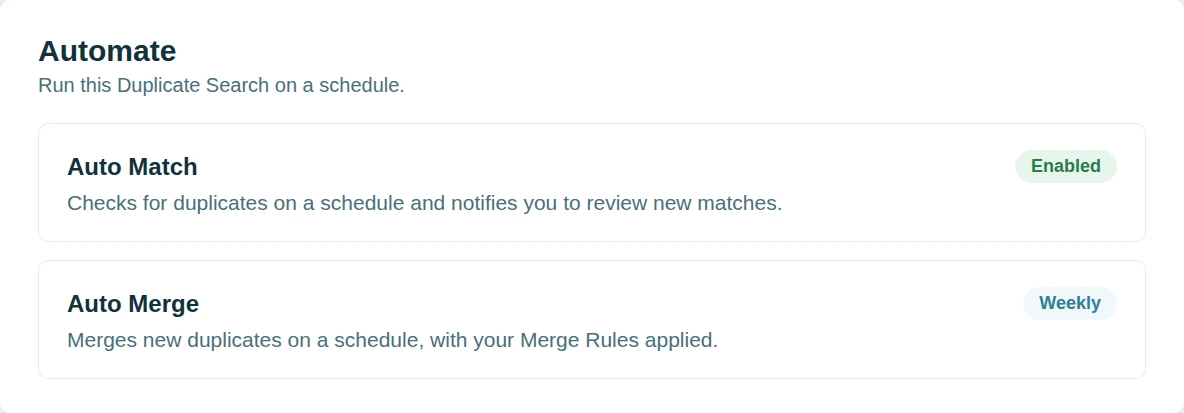
Dedupely runs Auto Merge on the searches that have proved themselves.
Automate only where you are sure
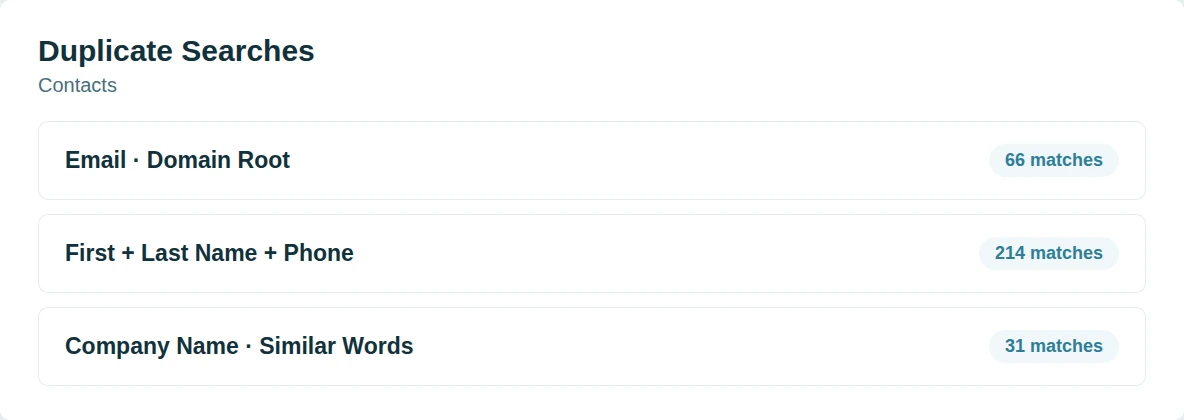
Not every search is safe to automate. The loose ones are where a wrong merge would hurt. Confidence should be earned per search.
Dedupely pairs Auto Merge on the proven searches with Auto Match on the rest.
Included on every plan
Automation is usually the feature a tool holds back for a higher tier. The thing that saves the most time costs the most extra. Not here.
Auto Merge and Auto Match are included on all plans and in the 7-day free trial.
Our core features
Our base dedupe features are fully included, no upsells.






20,000+ companies trust Dedupely
Customers like Dedupely for its ease-of-use and enhanced capabilities over native solutions.


"Worked very simply and effectively and suited my budget [...] No problems at all. Great support. Very happy to recommend a good app and integration."

"Fantastic time saver with great filters - auto and bulk merging made so much easier! Time saver and filters are great! Auto and bulk merge is simply easier with this tool."

 HubSpot Marketplace
 FAQs

Dedupely uses match options that you define to detect duplicates. You can compare fields like name, email, phone number, company name, or custom fields, using exact or similar matching. Once set, Dedupely scans your CRM and groups duplicates into match sets for you to review before merging. You have full control over the criteria used to detect duplicates, ensuring that only the right records are flagged for merging.
Yes! With Dedupely, you decide which records are considered duplicates by setting match options and merge rules. Match options define what counts as a duplicate, while merge rules control how individual fields are merged. Dedupely follows your CRM’s native merge structure, which means merging happens on a field-by-field basis: not by selecting a single “winning” record. You have full control over the logic, ensuring your most important data is kept.
Yes! You can create a Duplicate Search with your preferences and match options, to run and merge automatically, based on a schedule of your choice.
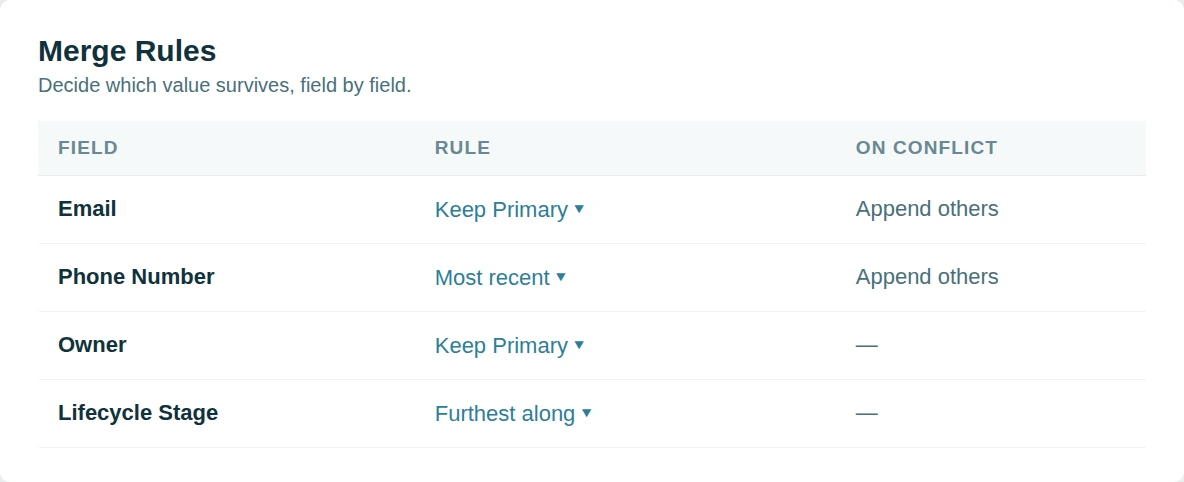
Dedupely gives you full control over what data is kept by letting you define merge rules for each field. You can choose to keep the most recently updated value, prioritize data over blanks, or apply custom logic, like selecting a specific owner or the highest score. Since merging happens field by field, you can preview results before confirming, and winning values are highlighted so you know exactly what will be kept.
Yes! You can manually review every merge before confirming, or use auto merge with pre-set safety rules to streamline the process.
No. Dedupely enhances your CRM’s duplicate management with more flexibility, automation, and advanced matching options.
Yes! Dedupely allows you to use filters to refine duplicate searches and focus only on the records that matter to you.
Our team is here to assist! You can access step-by-step guides in our Knowledge Base or reach out via chat, email, or Zoom for personalized support.
(We love Zooming, so feel free to book a call: we’re happy to walk through everything with you )
Yes! Our free trial gives you full access to all features and unlimited customer service. We help you set Dedupely up for your needs, so by the time your trial ends, you’ll have everything running smoothly.
Get started for free
20 free trial merges and as much free support as you need to get your duplicates under control.

 Or sign up with Google
Andy G
Pipedrive User
 Pipedrive Marketplace
 Running CRM cleanup for clients? See the Partner Program












