


TL;DR
- Salesforce data governance sets the standards, owners and rules that keep org data reliable.
- Start by understanding your duplicates, where they come from and what makes them duplicates.
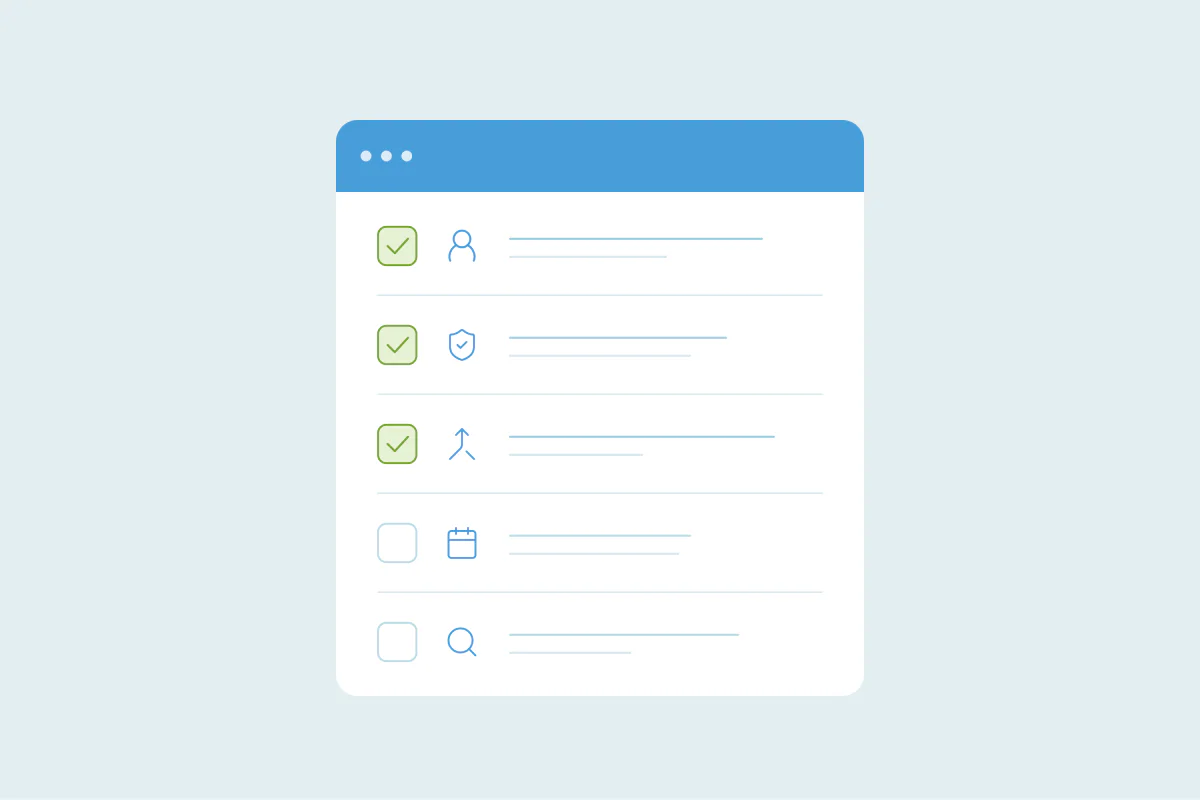
- A governance plan covers standards, ownership, entry points, duplicates, monitoring and change management.
- Whoever owns governance, name one person who makes the final call on each policy area.
- Dedupely finds and merges Salesforce duplicates using your team's criteria and rules for which values win.
Salesforce data governance is the set of standards, owners and checks that keep the data in your org trusted and usable. In practice, your team agrees on what a good record looks like, who owns each part, and what happens when records break the rules. Duplicates are one part of that, and the part I'd look at first. The rest covers standards, access, entry points, monitoring and change. In this post, you'll get a six-area framework, a roles table and a policy template you can adapt.
Data governance is "the structured approach to managing data so it remains trusted, secure, usable, and compliant," in Salesforce's own Trailhead definition. Data stewardship puts governance into practice: stewards monitor data quality, investigate issues and coordinate fixes.
Start with the duplicates you already have
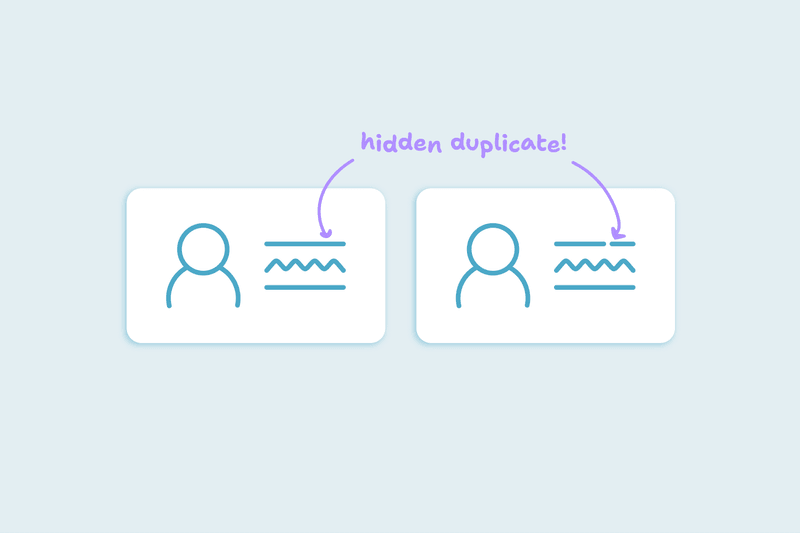
The first rule I give any team is to understand their duplicates before writing a policy. That means three things: how many there are, where they come from, and what makes two records a duplicate in your org.
Count duplicates per object, starting with Accounts, Contacts and Leads. Then trace each batch back. The user who created the records, the created date and the lead source often point to the import, form or integration behind them.
Then define a duplicate for each object. Two contacts with the same email are almost always one person. Two accounts that share a domain may be one company, or a parent and its subsidiary.
21% of teams said web forms or uploaded spreadsheets and event lists split contacts into duplicate records.
What you find shapes the rest of the framework. A team whose duplicates come from event lists needs import standards first. A team whose duplicates come from an integration needs someone who owns that integration.
The six areas of a Salesforce data governance framework
Most governance plans I've seen cover the same six areas. Duplicate management is one of them, and it depends on the other five.
1. Data standards
Standards describe a good record: which fields are required, which formats apply, and how things are named. Agree on country and state values, phone formats, and whether company names keep endings like "Inc."
In Salesforce, validation rules check that the data a user enters meets the standards you set. The record isn't saved until the data is fixed. Salesforce's own blog also suggests picklists, backed by validation rules, to keep values consistent.
2. Ownership and access
Decide who can create, edit, delete and merge records on each object. Merging removes records, so in Salesforce it needs Delete permission on that object.
Field-level security lets you specify whether users can view or edit each field on an object. Use it to protect the fields your reports and routing depend on, such as account owner.
3. Entry points
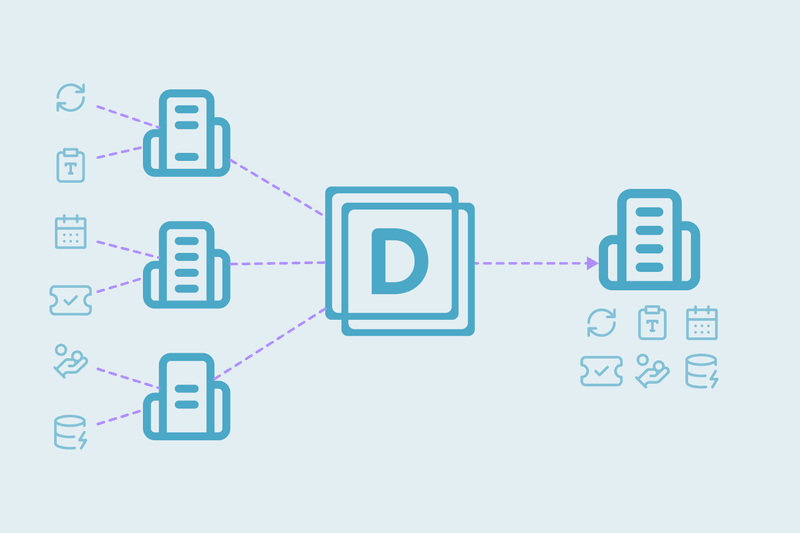
Map every way records enter the org: forms, imports, integrations, API jobs and people typing them in. For each one, name an owner and the identifier it should match on, such as email for contacts.
Salesforce duplicate rules also apply to data import tools and the API. There, no alert is shown and a matching record can't be saved, so integration owners need to know when a save is rejected.
Some paths skip duplicate rules entirely. These include Quick Create, Undelete, Einstein Activity Capture, and lead conversion when Use Apex Lead Convert isn't enabled.
4. Duplicate management
This policy covers duplicates that already exist or get through. It sets what counts as a duplicate per object and which matching and duplicate rules are active. Each rule alerts, blocks or only reports.
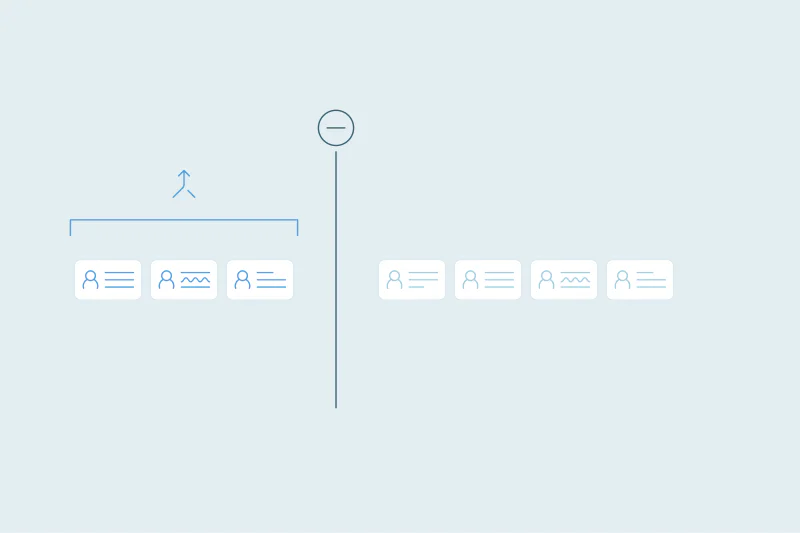
It also says which object is cleaned first and which record survives a merge. It names the value that wins on key fields and the matches that always get a human review.
Leave placeholder values, such as test@test.com or a shared office phone, out of every match.
I cover how Salesforce's native duplicate tools work, and where they stop, in our Salesforce duplicate management guide.
5. Monitoring and reporting
Salesforce's Trailhead lists reports and dashboards, field history and audit logs, automated data profiling, and Flow alerts as ways to monitor data quality.
Field history tracking covers up to 20 fields per object and keeps changes for up to 18 months. Field Audit Trail keeps history for up to 200 fields until you delete it, with an extra Shield or Field Audit Trail license.
Pick a few measures and review them on a set schedule. New duplicates per month by source, completeness of required fields, and merges made are a good start.
6. Change management
Many of the data problems I see start with a change: a new form, a new integration, a field nobody owns. Decide who approves new fields, new integrations and large imports, and keep a short log of what changed and why.
Salesforce's Well-Architected guidance refers to a Salesforce Center of Excellence for this kind of governance work.
Who should own Salesforce data governance
Ownership depends on your team's size and on how many systems write to Salesforce. These are the options I see most, each with a trade-off:
- Salesforce admin: knows the org and builds the rules and permissions. Governance competes with every other admin request, and business definitions still need input from sales and marketing.
- RevOps or Sales Ops: owns reporting and processes across teams, so it sees the cost of bad data first. Changes to rules and permissions still go through an admin.
- Data steward: a role focused on monitoring data quality, investigating issues and coordinating fixes. It's one more role to fund, which smaller teams may not have.
- A small cross-team group: Trailhead suggests a "lightweight data governance and stewardship team" of business and technology stakeholders. Decisions can slow down when no single person makes the final call.
Salesforce's admin blog also calls data stewardship "everyone's responsibility." Whoever owns the policies, every user who enters data is part of it.
Whatever the model, name one person who makes the final call on each policy area.
Salesforce data governance roles and responsibilities
| Role | Responsibilities | Decides |
|---|---|---|
| Governance owner (admin, RevOps, steward or group) | Writes and updates the policies; reviews the measures on schedule | Standards, exceptions, priorities |
| Salesforce admin | Builds validation rules, matching and duplicate rules, field-level security and reports | How each policy is set up in Salesforce |
| Data steward | Monitors data quality, investigates issues, coordinates fixes | Which matches are merged and which go to review |
| Object owners (for example, sales for Accounts, marketing for Leads) | Define a good record and a duplicate for their object | Definitions and which value wins on key fields |
| Integration owners | Own each tool that writes to Salesforce | Key identifier field and what happens when a save is rejected |
| Everyone who enters data | Follows the standards and reports problems | Nothing alone; they raise issues |
Salesforce data governance template
Use this as a starting point for your own policy. Replace the examples with your org's objects, fields and owners.
| Policy area | What to define | Example |
|---|---|---|
| Data standards | Required fields, formats, naming | Every account has a billing country from the picklist. Phone numbers include the country code. |
| Ownership and access | Who creates, edits, deletes and merges each object; which fields each profile can edit | Only the admin and the data steward merge accounts. Reps can't edit the account owner field. |
| Entry points | Each source, its owner and its key identifier field | Event list imports match on email. Marketing ops owns them. |
| Duplicate management | Duplicate definition per object; rule actions; which record survives; which value wins; what always gets reviewed | Contacts with the same email are duplicates. The oldest record survives. Accounts in different countries always go to review. |
| Monitoring and reporting | Measures, reports and review schedule | New duplicates by source, reviewed on the first Monday of each month. |
| Change management | Approvals for new fields, integrations and large imports; change log | New integrations need the governance owner's sign-off and a sandbox test. |
How Dedupely puts your duplicate policy into practice
In Dedupely, you can build duplicate searches for Salesforce Accounts, Contacts, Leads and Custom Objects that follow your own definition of a duplicate. You set rules for which value wins, reject false matches, send unclear sets to review and merge new duplicates automatically. Every merge is recorded with its original values, so your monitoring has a full history to check (see our 3-phase plan and Salesforce deduplication with Dedupely).
Find your Salesforce duplicates before you write your policy
Start your governance plan with your duplicates
A Salesforce data governance plan covers six areas, from data standards to change management, and each one needs a person who makes the final call. Your existing duplicates are a good starting point, because they show which of those areas needs attention first.
A template filled in with your own objects and owners turns those decisions into a policy your team can follow. Reviewed on a set schedule and updated when something changes, it keeps the org's data trusted as new forms, imports and integrations arrive.
Frequently asked questions
What is Salesforce data governance?
Salesforce data governance is the set of standards, roles and checks that keep your org's data trusted, secure, usable and compliant. It covers data standards, access, entry points, duplicates, monitoring, and approval of changes to fields and integrations. Data stewardship is the day-to-day work that puts it into practice.
What are Salesforce data governance best practices?
Start by understanding your existing duplicates: how many, where they come from and what defines one. Then set data standards, enforced with validation rules and picklists. Map every entry point and give each an owner. Decide which record survives a merge, review a few measures on a schedule, and approve new fields and integrations before they go live.
Who should own data governance in Salesforce?
It depends on team size and how many systems write to Salesforce. Common owners are the Salesforce admin, RevOps or Sales Ops, a data steward, or a small cross-team group. Each has trade-offs, such as an admin's limited time or a group's slower decisions. Whatever the model, name one person who makes the final call on each policy area.
What are the roles and responsibilities in Salesforce data governance?
A governance owner writes the policies. The Salesforce admin builds validation rules, duplicate rules and field access. A data steward monitors quality and coordinates fixes. Object owners define good records and duplicates for their object, and integration owners manage each tool that writes data. Everyone who enters data follows the standards.
What should a Salesforce data governance template include?
A template should cover six policy areas: data standards, ownership and access, entry points, duplicate management, monitoring and reporting, and change management. For each area, it states what to define, who owns it and an example. For instance: "contacts with the same email are duplicates" or "event list imports match on email."


 Or sign up with Google

 HubSpot Marketplace











