

Why visually similar records don’t always count as duplicates
Not all similar-looking records are duplicates. This post explains why visual resemblance misleads CRM teams, how match logic actually works, and what to check before changing detection rules.

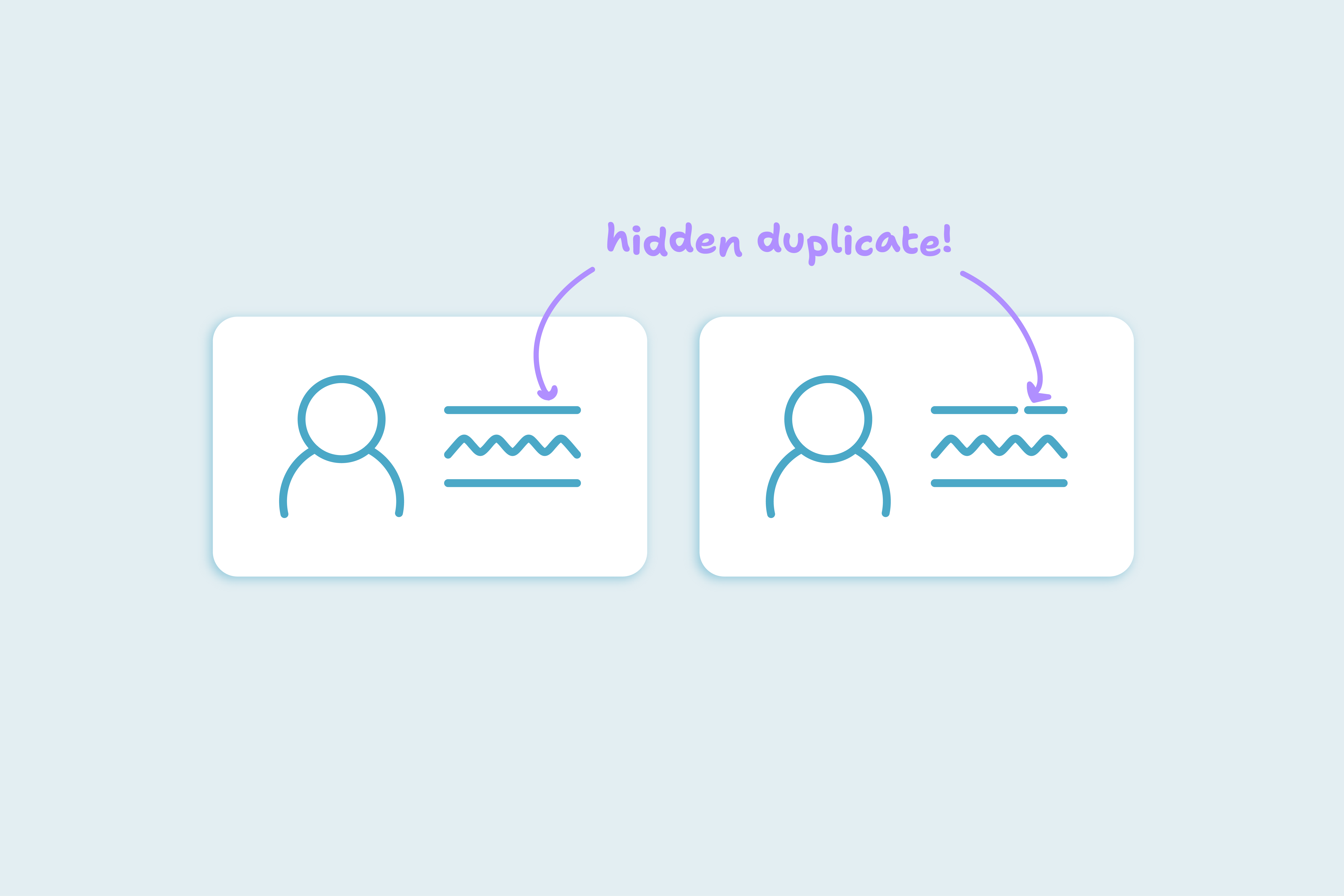
A contact with the same name, company, and email domain isn't necessarily a duplicate. When teams review CRM records manually, it's common to assume that visual similarity means duplication. But automated merge logic doesn’t see records that way, and it shouldn't.
One CRM team hired a consultant after assuming a third-party-tool was creating duplicates after every merge. What they actually discovered was that none of the records were duplicates at all, they just looked similar.
Duplicates are about record conflict, not resemblance, CRM merge logic looks for specific field-based overlaps. When teams expect all lookalikes to merge, they set themselves up for confusion, distrust, and unnecessary rule changes.
Shared fields aren't proof of duplication
Many records appear redundant because they share values in obvious fields. These are the three most common patterns that mislead CRM teams:
Shared identifiers
Records with the same name, email domain, or company field are often flagged as duplicates. But these may come from team inboxes, partner orgs, or repeat contacts with similar formats. Shared identifiers are common in B2B CRMs and don't necessarily indicate record redundancy.
Role-based confusion
Two contacts at the same company might fill different roles: one in support, one in procurement. At a glance, they might seem redundant. But their activity, ownership, and deal stage may be entirely separate.
Valid distinctions
Even if two records look identical, things like CRM ID, deal association, lifecycle stage, or custom field differences can signal distinct, meaningful records. Merge logic that ignores these markers can remove valid context and trigger downstream issues in workflows and reporting.
Use visual similarity to prompt review, not merge. It's a signal to check the record, not combine it.
Why duplicate detection has to rely on data, not how records look
Manual visual review often introduces inconsistency; what looks like a duplicate to one team member might not to another: Names, companies, and domains can be misleading when used without context. Logic-based detection removes that variability by using field-level rules.
CRM systems detect duplicates by evaluating specific fields -such as email, name, and phone number- against pre-defined match conditions, which determine what counts as a match, independent of how the record appears in the interface.
Visual assumptions, on the other hand, create two risks:
- First, teams may push to merge records that are distinct but look alike.
- Second, they may mistrust logic when it doesn’t behave like a human reviewer. This leads to unnecessary rule changes that reduce match quality and introduce false positives.
Field-based match logic avoids that trap. Dedupely lets teams assign weight to high-confidence fields, adjust thresholds, and preview match behavior without applying merges. This gives visibility into why a record does or doesn’t meet the conditions for duplication.
What to do when the team reports duplicates that aren't merging
When users say they’ve found duplicates the system missed, it’s worth reviewing what they’re seeing, but not worth changing match options without confirming the logic.
- Start by comparing the duplicate fields: Are those values identical or close enough to be considered a match? Then check if the records are tied to the same deals, stages, or owners.
- If the records still appear similar, look at what match options are active. In Dedupely, you can add or remove fields to identify duplicates, or adjust the match options to be more lenient or thorough when finding duplicates.
- After updating your match options, rerun the scan. The results will show whether the records in question meet the match logic. This process keeps detection grounded in datal instead of layout or assumptions.
If this keeps coming up across teams, pause and sanity-check the logic. In some cases, teams bring in a HubSpot consultant for a short review — not to rebuild anything, but to validate match fields, lifecycle expectations, and whether everyone is using the word “duplicate” to mean the same thing.
If you’re looking for someone, we’ve had great experiences working with Chris Bryant.
The cost of false matches
When visual similarity drives merge decisions, trust in the system breaks down:
- Teams begin second-guessing their rules, assuming the tool isn’t working, or manually correcting outcomes that were technically correct.
- False merges can delete valid contact context, link deals incorrectly, or remove records that never should have matched.
When merge logic reflects clear, rule-based distinctions, teams regain confidence:
- Complaints drop.
- Manual reviews become more targeted.
- Reporting improves because records are structured, not guessed.
Tools like Dedupely work by following defined match logic; therefore, trust comes from knowing exactly how that logic behaves, not from how records appear.
Frequently asked questions about visual matches and duplicates
Why aren’t obviously similar records merging?
Because similarity doesn’t meet the match conditions. The records might differ in some fields, or even look the same.
Should I build rules based on name or company?
You can, but they should be secondary signals. Strong match fields are those that uniquely identify a person or organization.
What’s the best way to detect true duplicates?
Use a combination of reliable fields that rarely repeat between contacts. Prioritize these over fields like name or company, which are often shared and don’t reliably identify duplicates.
Can I still use visual review in my process?
Yes, as a review step, not a rule source. Visual review can surface patterns, but it should be confirmed by logic and field comparison.
How do I test match logic before merging?
Dedupely allows teams to test match options by creating or editing Search Pads, and running scans. You can adjust fields and match options, review results, and confirm everything before merging.
Start with logic, not looks
When records look similar, it's tempting to merge, but appearance doesn’t define duplication. Teams that build match logic on that principle avoid false positives, preserve valid records, and trust their merge outcomes.
Dedupely works with that structure: Comparing fields, respecting match options, and giving teams control over what counts as a true duplicate. Ready to find all your duplicates? Start here.
Contact us
We’d be happy to help you get this set up.
Write us a message
We probably know the answer to your question already 🙂
Book a Zoom
Whether you’re getting started or getting intense.
Get in touch!
Discover Related Blog Posts
Stay updated with our latest articles and insights.