







How can we help you?
How to create a Dedupely account
Step 1: Visit Dedupely’s website
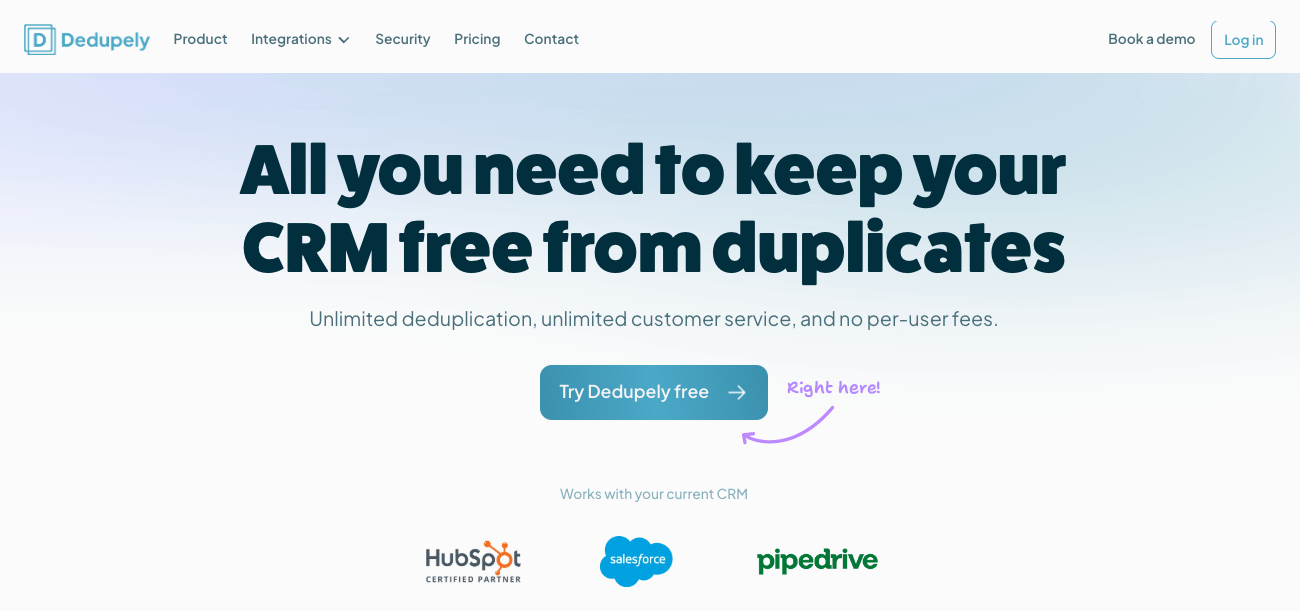
- Open your web browser and go to dedupe.ly.
- On the homepage, click the Try Dedupely Free! button.
No credit card information or payment is required to start your triall. Find our available plans in our Pricing page.
Step 2: Fill out the registration form
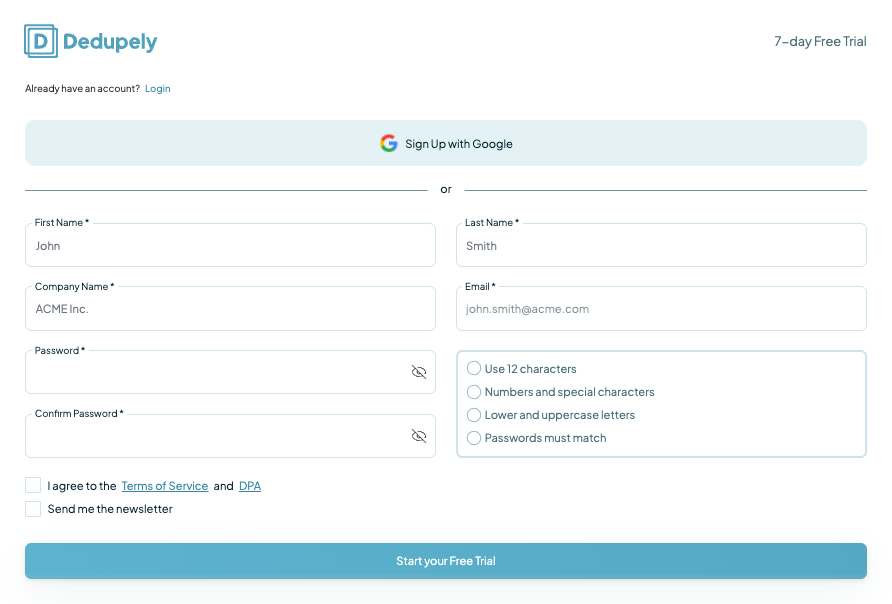
- You’ll be directed to a sign up form where you’ll need to provide:
- Your name: Enter your first and last name.
- Company: Add the name of your business.
- Email address: Use a valid email address, as this will be used for account verification and communication.
- Password: Create a secure password to protect your account.
- Once you’ve filled in your details, click Start your Free Trial.
Step 3: Verify your email address

- Check your inbox for a verification email from Dedupely.
- Enter the 6-digit code.
Step 4: Log in to your Dedupely account
- After verifying your email, return to dedupe.ly.
- Click Log In and enter your email and password to access your Dedupely dashboard.
Step 5: Start your free trial
Once logged in, your free trial will begin automatically. Explore Dedupely’s features and start cleaning up your CRM data right away! Remember: Nothing is merged until you explicitly click any "Merge" buttons.